Rivet Reach is a first-person voxel game about exploring, surviving and building things that work. Start with logs and a workbench, find your way into the caves, and work towards a workshop with machines, pipes, power and controls.
This is an early game in active development by Starbugstone. The public download gives you a first expedition and room to experiment. The next release is being built around making that expedition worth coming back to.
Release status checked 19 September 2026: alpha 0.0.1 is the current public Windows download. Progress in that version is session-only: quitting resets the world and inventory. The next planned release is alpha 0.1.0, replacing the earlier 0.0.2 plan.
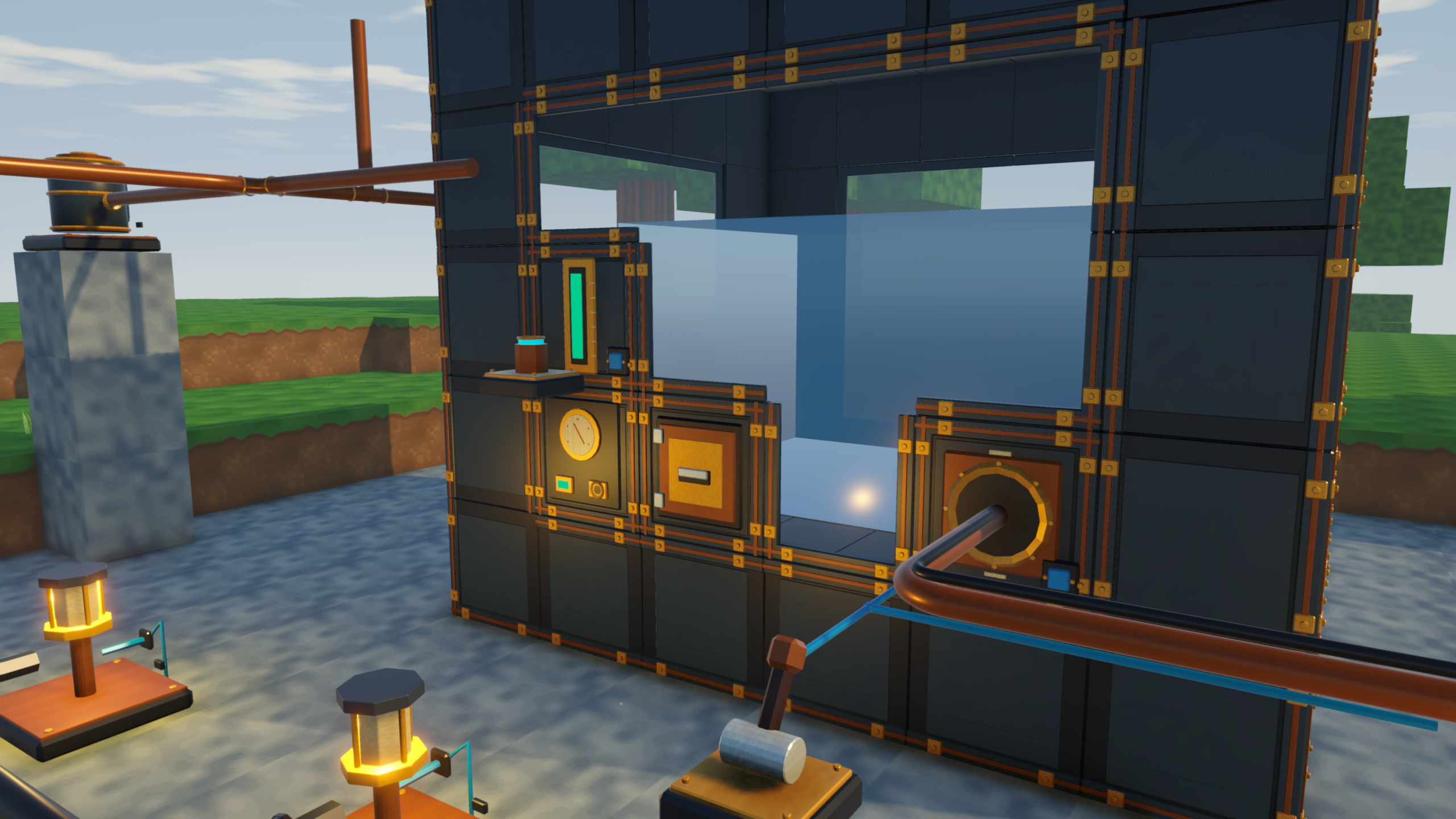
What you can do in the public alpha
Explore the terrain and caves, gather materials, craft tools and build a base. The release includes farming, cooking, hunger, creatures and a day/night cycle. Rivers, seas, flowing water and buckets give you more to work with than dry blocks.
The industrial side already has machines, item and fluid pipes, multiblock tanks and battery banks. Electricity powers the equipment; the Blue Signal network handles controls. Keeping those jobs separate matters when you want to understand why a machine is running—or why it has stopped.
You can also enable Creative mode from the pause menu to try constructions with flight and an item catalogue. It is useful for getting familiar with a workshop before trying to gather everything for it.
Download it and start an expedition
- On the release page, download RivetReach-0.0.1-alpha-windows-x64.zip. GitHub’s source-code archives are not the playable build.
- Extract the whole ZIP into a folder. Keep the data folder, DLLs and runtime beside RivetReach.exe, then launch that file. You do not need Unity or Blender installed.
- Choose Start Expedition. You begin empty-handed: punch logs, collect them, and craft planks, sticks and a workbench from your inventory.
- Place the workbench and interact with it to make tools. Treat this release as a session to explore and test, because it does not retain your expedition after you quit.
Use WASD and the mouse to move and look, Space to jump, left mouse to mine, right mouse to place or use, E to interact and Tab for inventory. The download and controls guide has the full starting instructions.
The current release is single-player, Windows 64-bit, with keyboard and mouse controls. Linux, macOS, controller support and multiplayer are not included.
What is being built for alpha 0.1.0
The next release skips the 0.0.2 number because the work has grown into a bigger step towards a playable game. Development now includes persistent saves, fishing, chickens, beds, weather, bulk storage crates and configurable item routing. Those features are ahead of the downloadable 0.0.1 build.
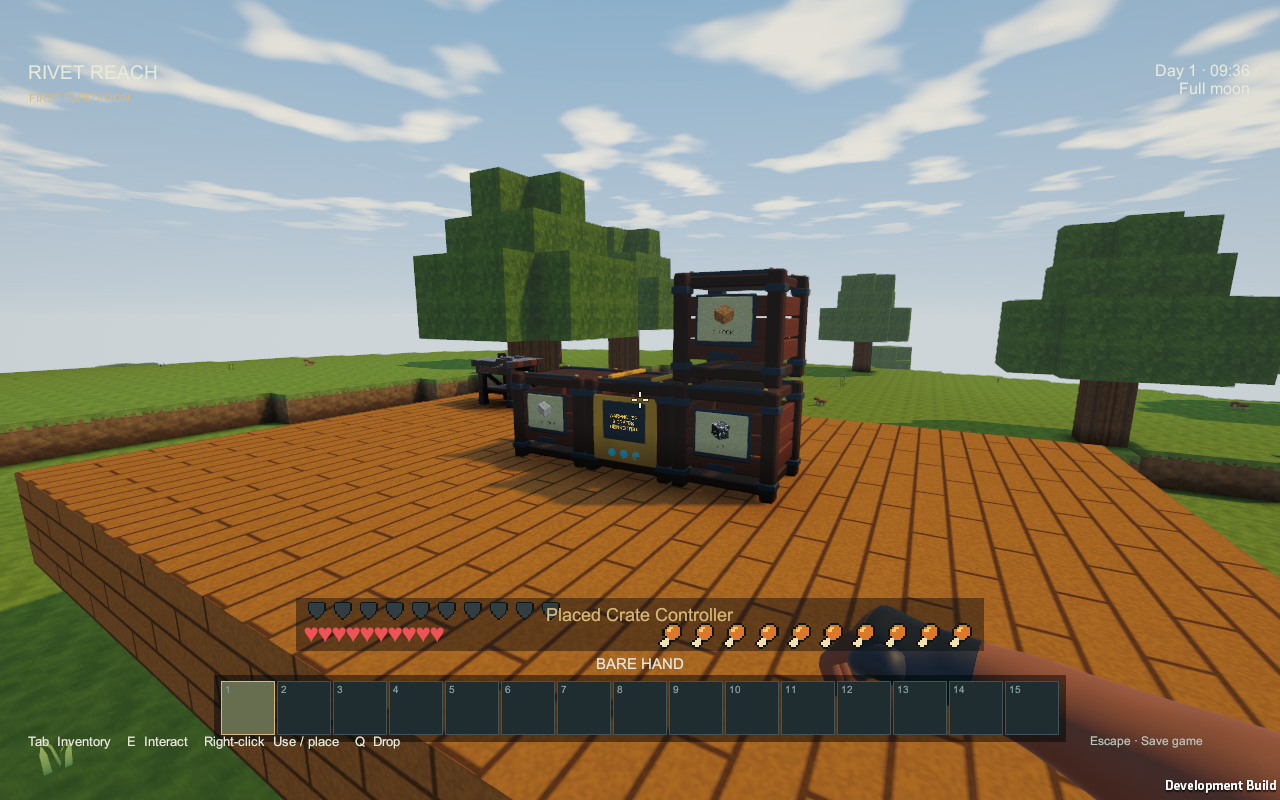
Crates give the workshop somewhere to keep bulk materials. Routing priorities let a pipe network decide which machine or storage destination should receive items first. Read the alpha 0.1.0 development update for the details and current screenshots.
Latest development update: Solar power, wind turbines and the factory review covers weather-dependent generation, batteries and the remaining performance work before alpha 0.1.0.
Guides and feedback
The player wiki covers the building systems, including pipes, Blue Signal controls and tanks. It follows development, so some pages describe features newer than the public release.
For a bug report, include the version, world seed, hardware and steps to reproduce it. The GitHub issue tracker is the best place to keep reports with the project; Contact works too.
More projects: Panel Page Flip · Prospect Hollow · Rivet Reach · All projects