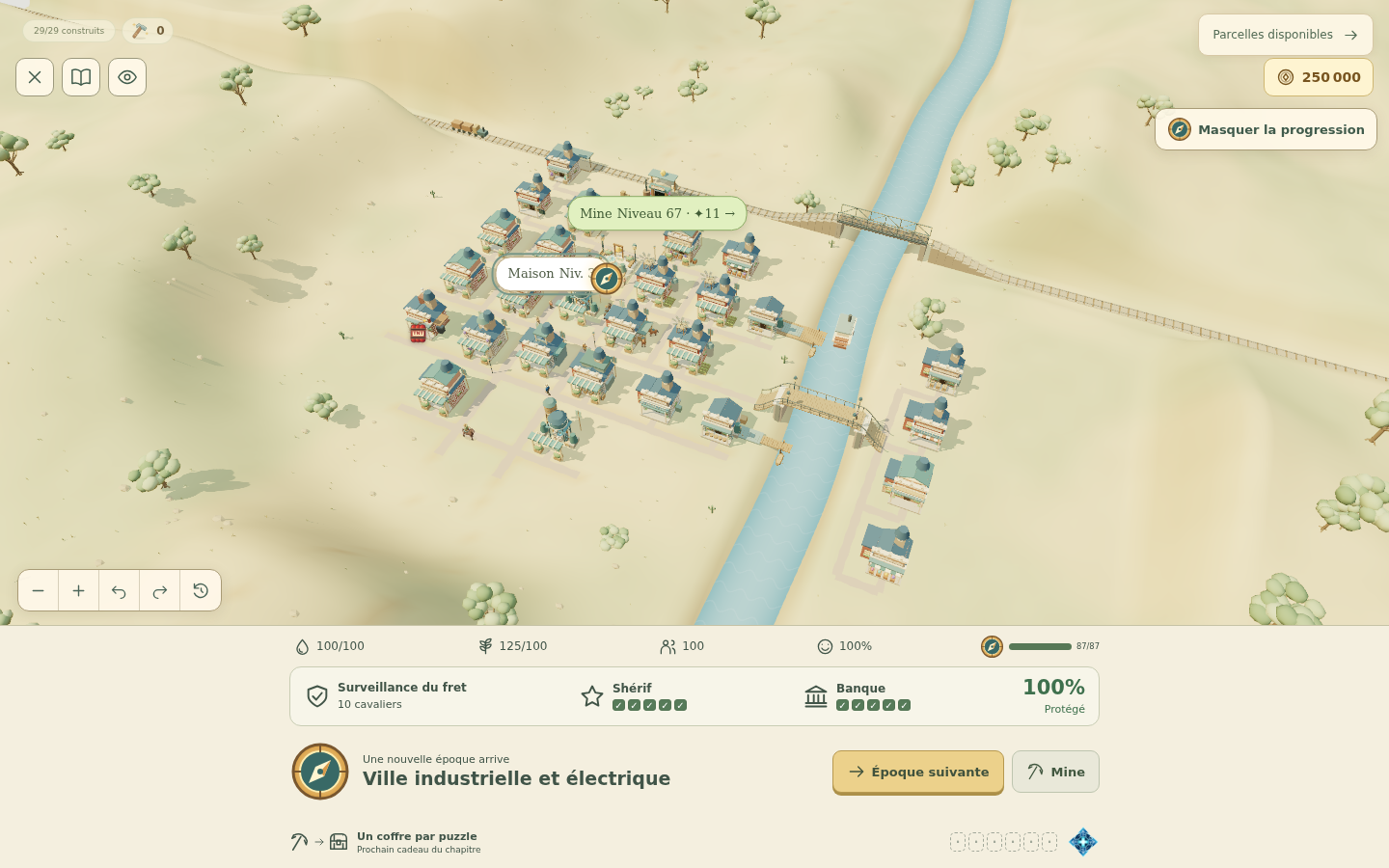
Prospect Hollow is a browser game that joins match-3 mining puzzles to a growing 3D town. A trip down the mine earns the resources for your next building project. Back on the surface, a few wooden buildings gradually become a settlement with railways, factories, an airport and a modern skyline.
The game was originally called Crystal Cascade, which is why that name still appears in the address. It runs in a browser on desktop and mobile, with English and French interfaces.
One more puzzle, one more building
The mine and village give each other a purpose. You match gems and clear the objectives shown on the board, then spend your earnings on the town. Normal puzzle completions also move active construction forward. When a project is ready, return to the village and finish it to put the building to work.
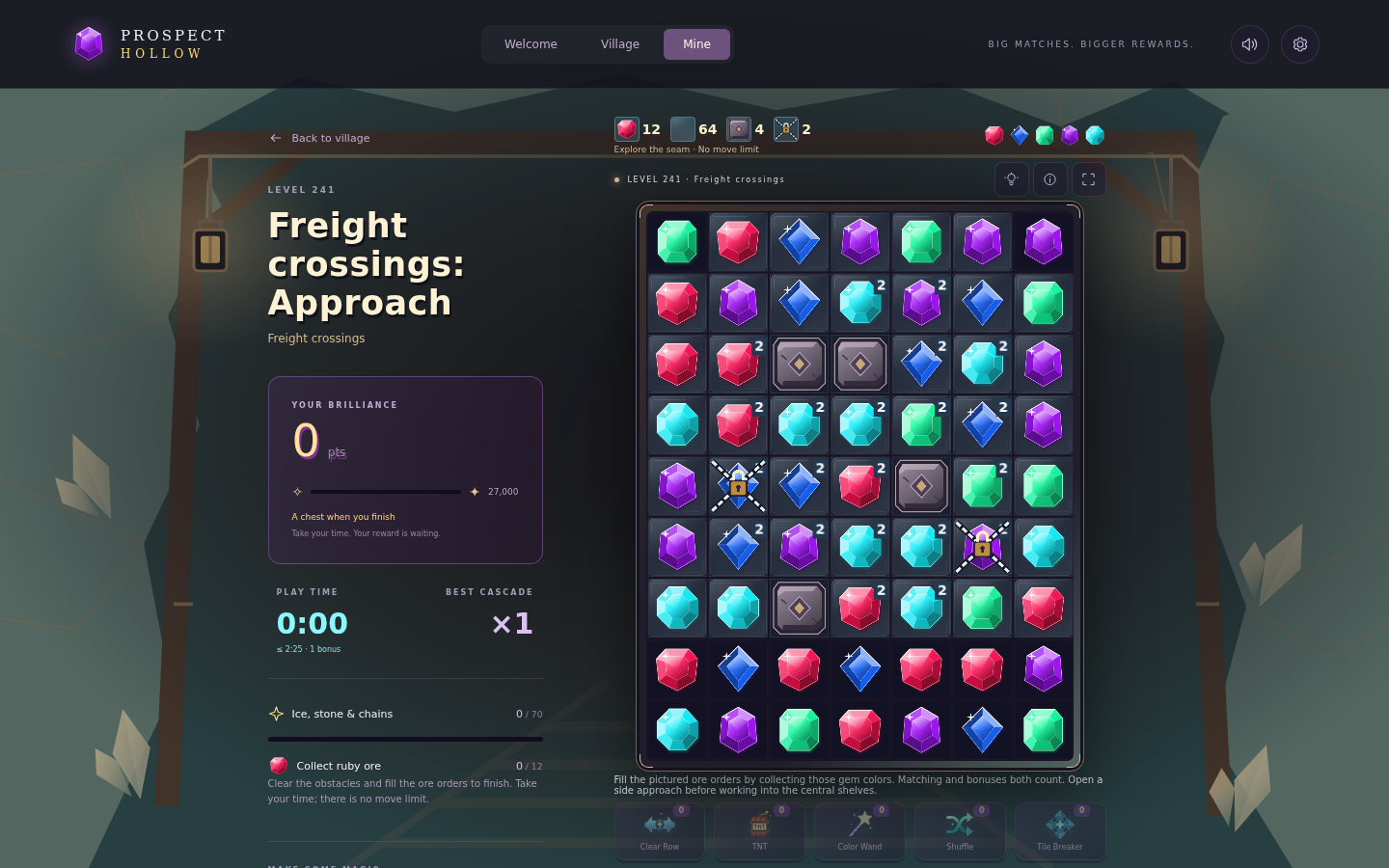
The puzzles add obstacles and different tasks as you progress. Some ask for particular gems; others involve lanterns, chained tiles or numbered trails. Check the objective before chasing a large match: a good cascade is useful, but it still has to help clear the board’s task.
Getting started
- Open the game and follow the village introduction. Select a plot to see what it provides and what its construction needs.
- Enter the mine through its building or the Mine tab. Swap neighbouring gems to make matches and work through the displayed objectives.
- Return to the village to fund useful projects and finish any construction marked as ready. Food, water and housing help you decide what the town needs next.
- Open Settings and export a save once you have made progress. Keep that file somewhere you can find it again.
A settlement that changes through eight eras
The town moves from the Frontier period through River & Rail, Industrial, Post-war Rebuilding, Motor Age, Aviation & Radio, Music & Television and Connected City. The 1920 rebuilding era follows the First World War.
Entering an era unlocks modernization; it does not instantly replace every building. An existing landmark keeps its completed appearance until you finish its next upgrade. That lets the town show its progress rather than changing everything at once.
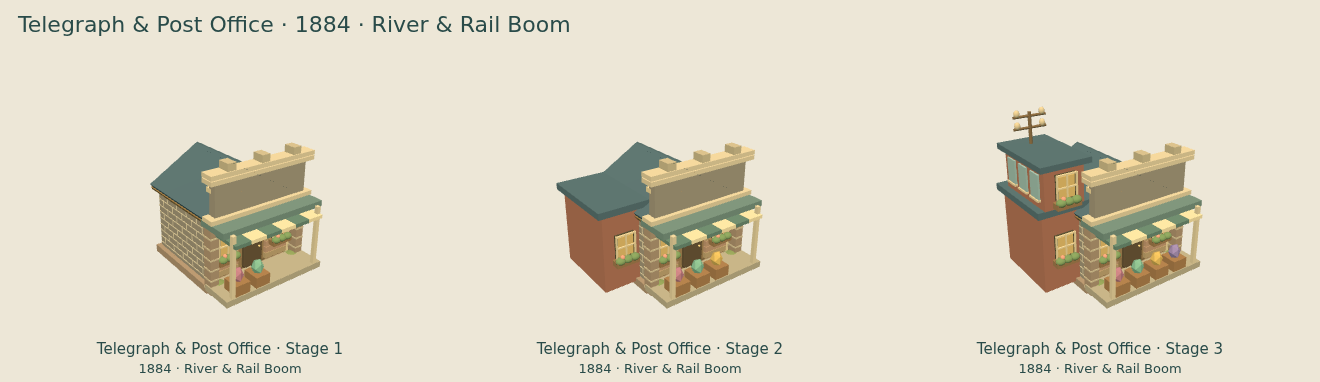
For a closer look, read the visual rework and building-upgrade guide or browse the era galleries.
Keep a copy of your town
Progress is saved in your browser. Moving to another device does not automatically bring the village with you, and clearing browser storage can erase it. Use Settings → Export save to download a backup, then Import save on the destination device.
An import replaces the progress already on that device. Export that village first if you want to keep it. An unfinished mine board is not included in the transfer. The save backup and transfer guide walks through the process.
Latest release: Prospect Hollow’s last Vercel update brings smoother village routines, roads that change with the eras and a look at the account-save backend on preprod. The previous update covers clearer puzzles and town improvements.
Behind the scenes: How two AI coding agents work through competing ideas shows how I am planning the next performance and glitch fixes.
Follow the project
Prospect Hollow is a project by Starbugstone and is still being developed. The eight-era release article shows more of the puzzles and town. The GitHub repository contains the source, documentation and issue tracker.
If something goes wrong, include your browser, device, puzzle or building, and the steps that led to it. You can report an issue on GitHub or contact me.
More projects: Panel Page Flip · Prospect Hollow · Rivet Reach · All projects