Prospect Hollow’s latest update is now live
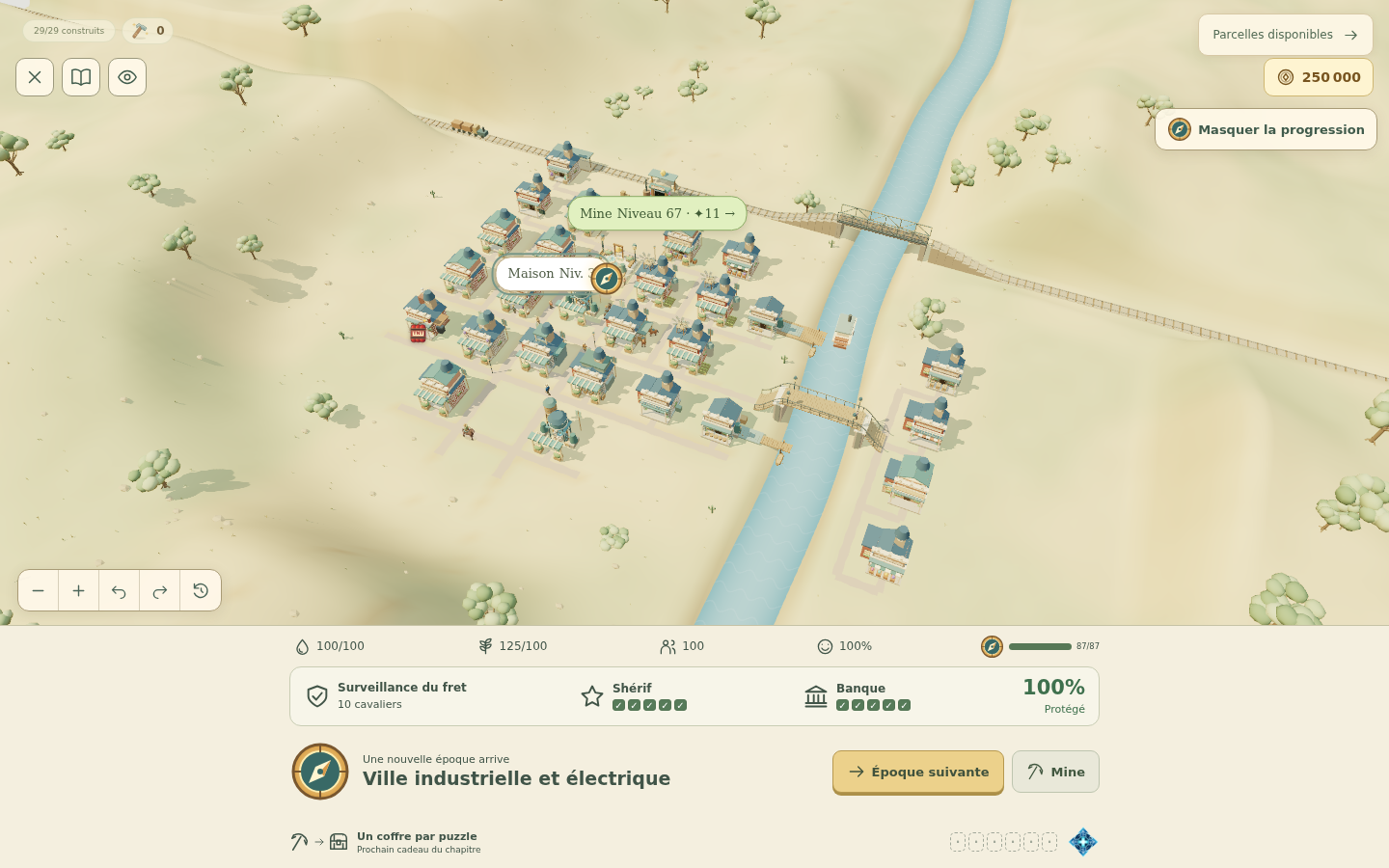
The latest Prospect Hollow update is now available in the public build. The changes from the development version have been merged into the main game, bringing eight eras, 324 puzzles and several additions to the town.
If you’ve been following the recent updates, this is the version they’ve been leading up to. Here’s what you’ll find when you load it up.
Watch the town change through eight eras
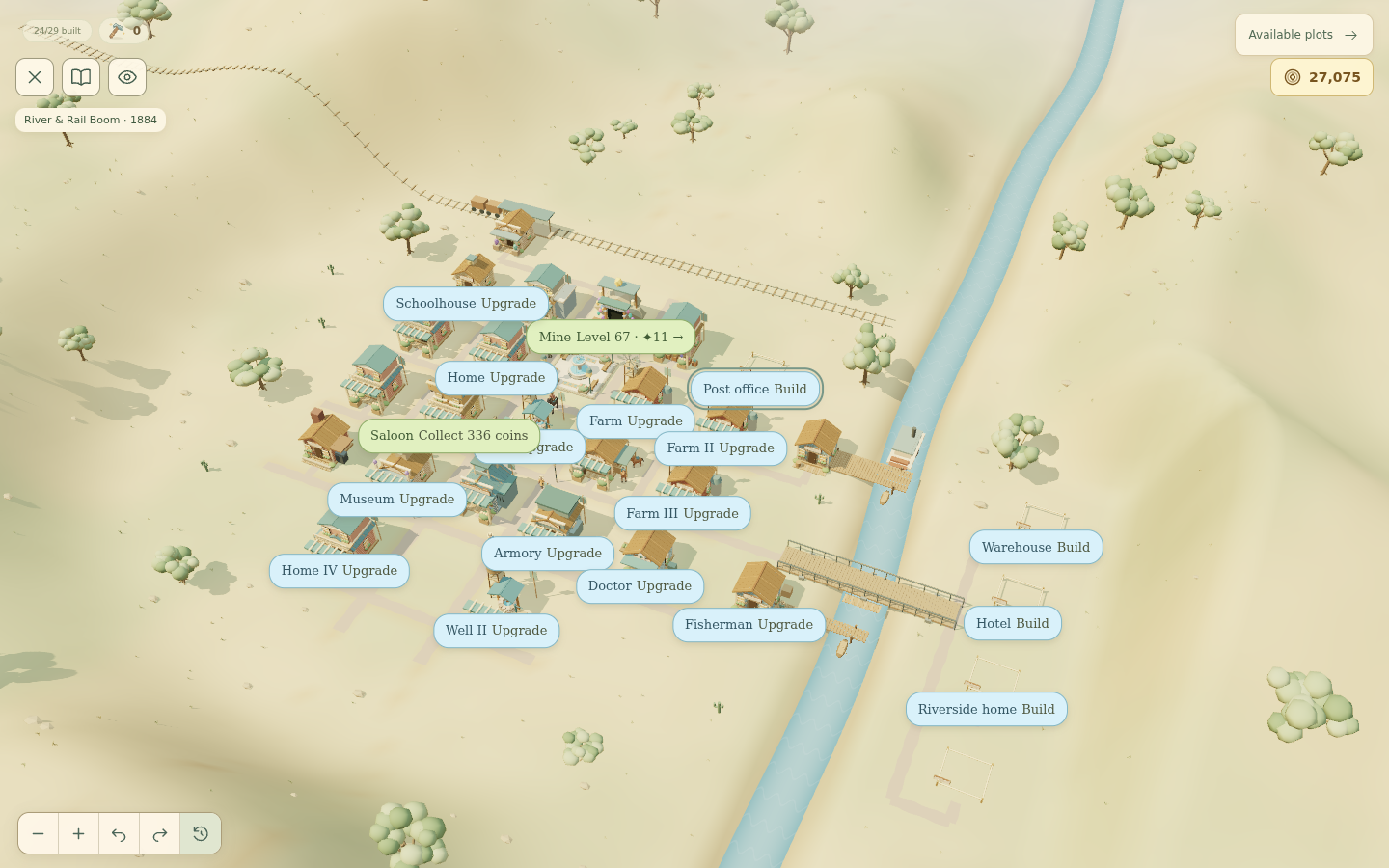
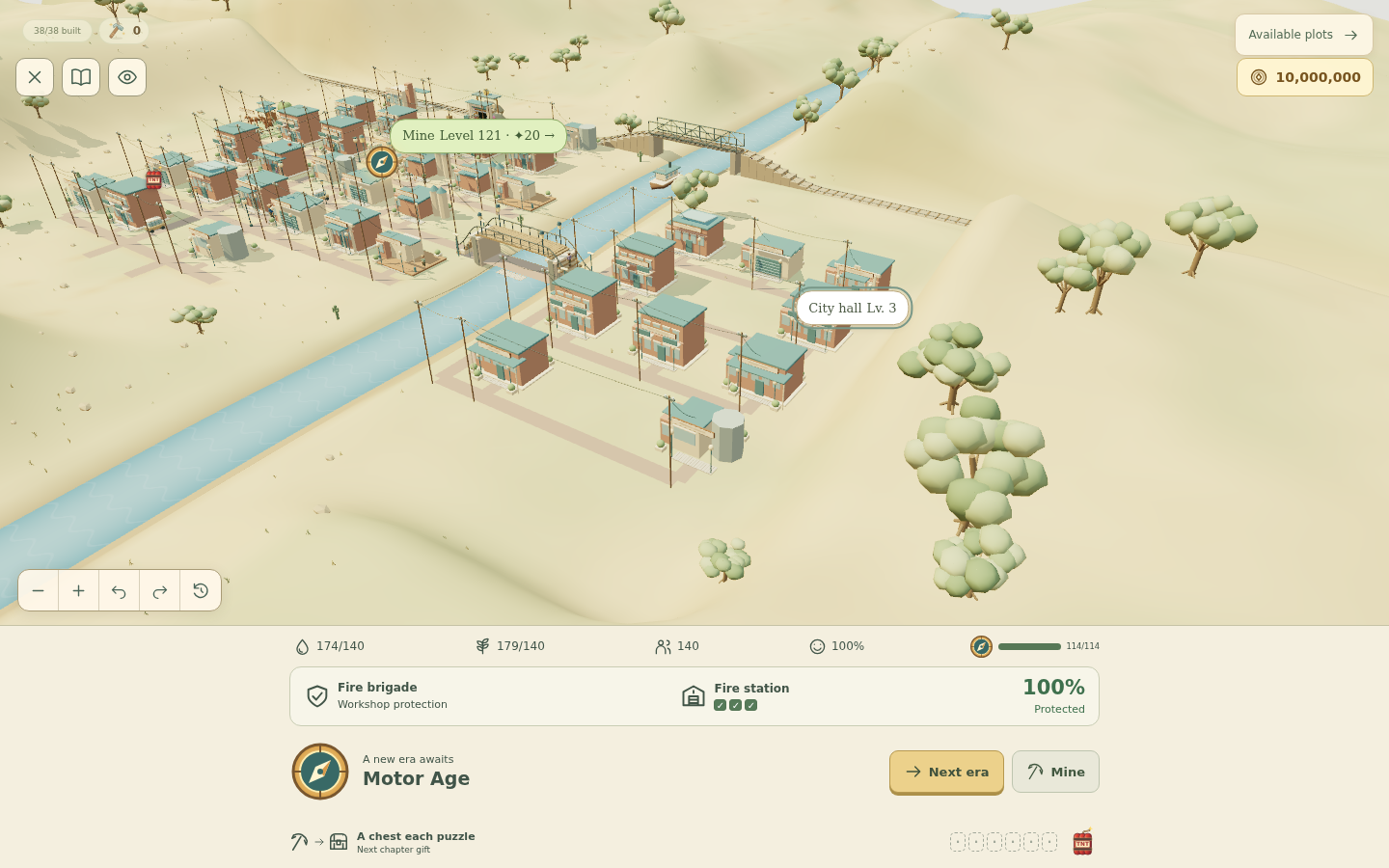
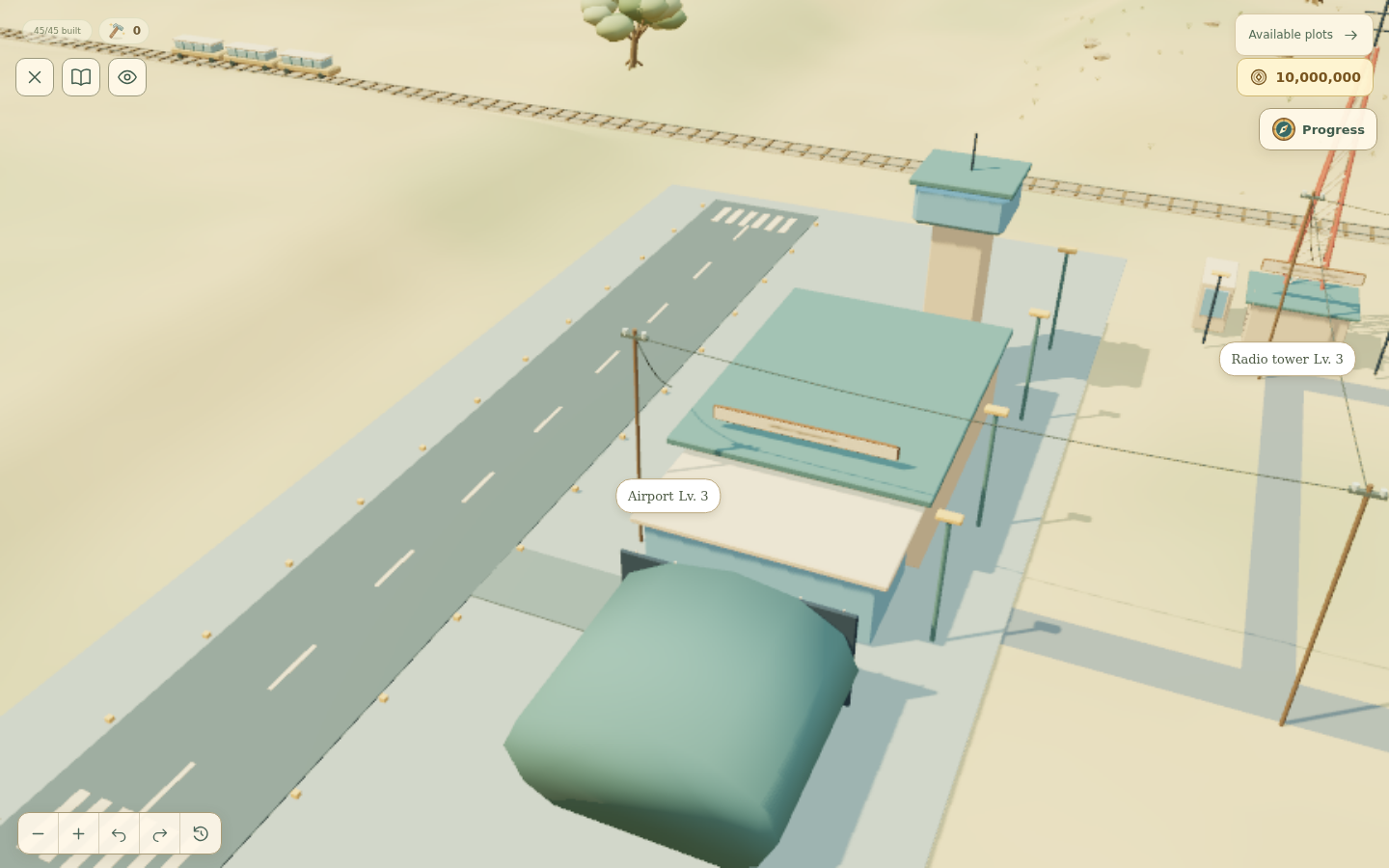
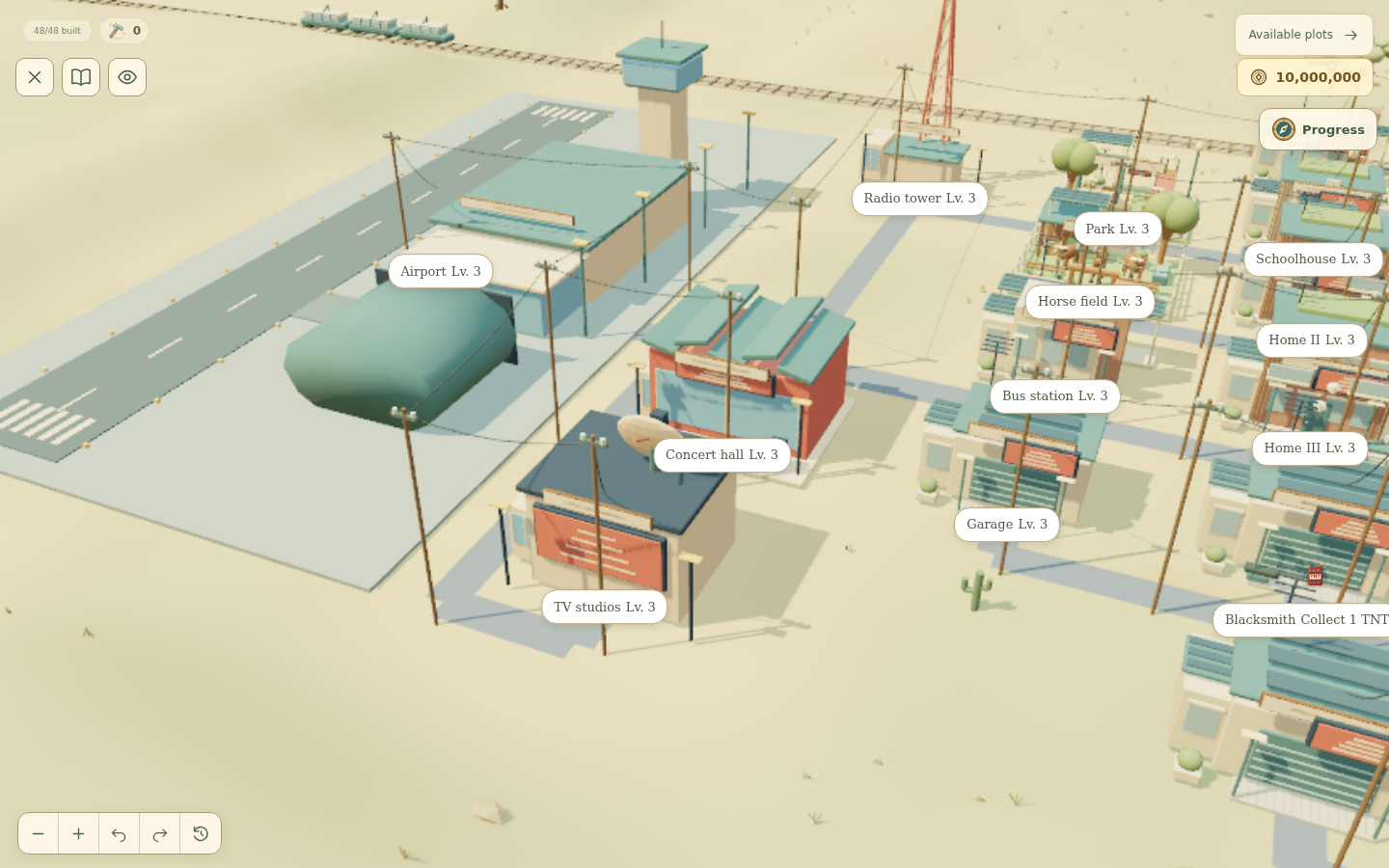
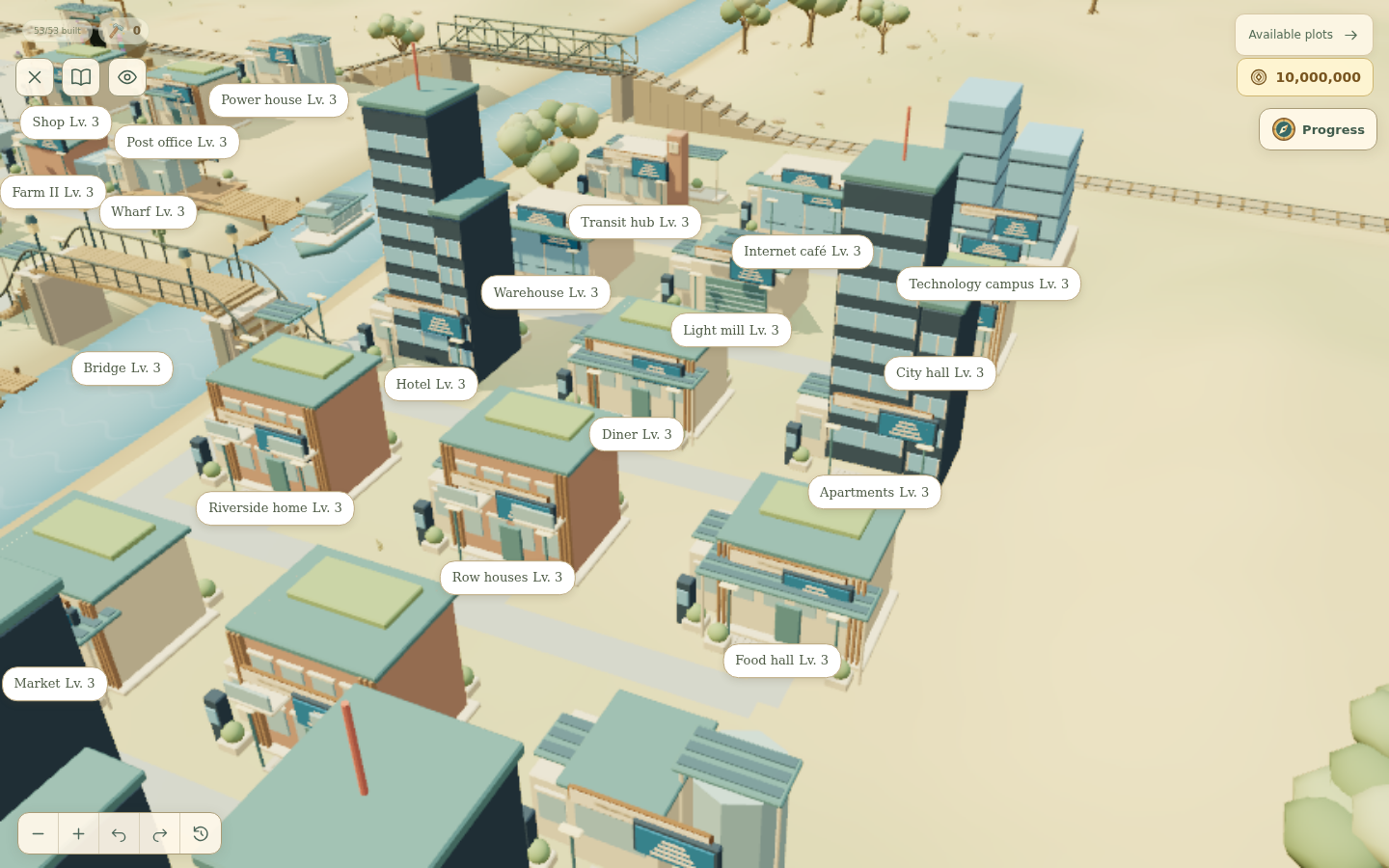
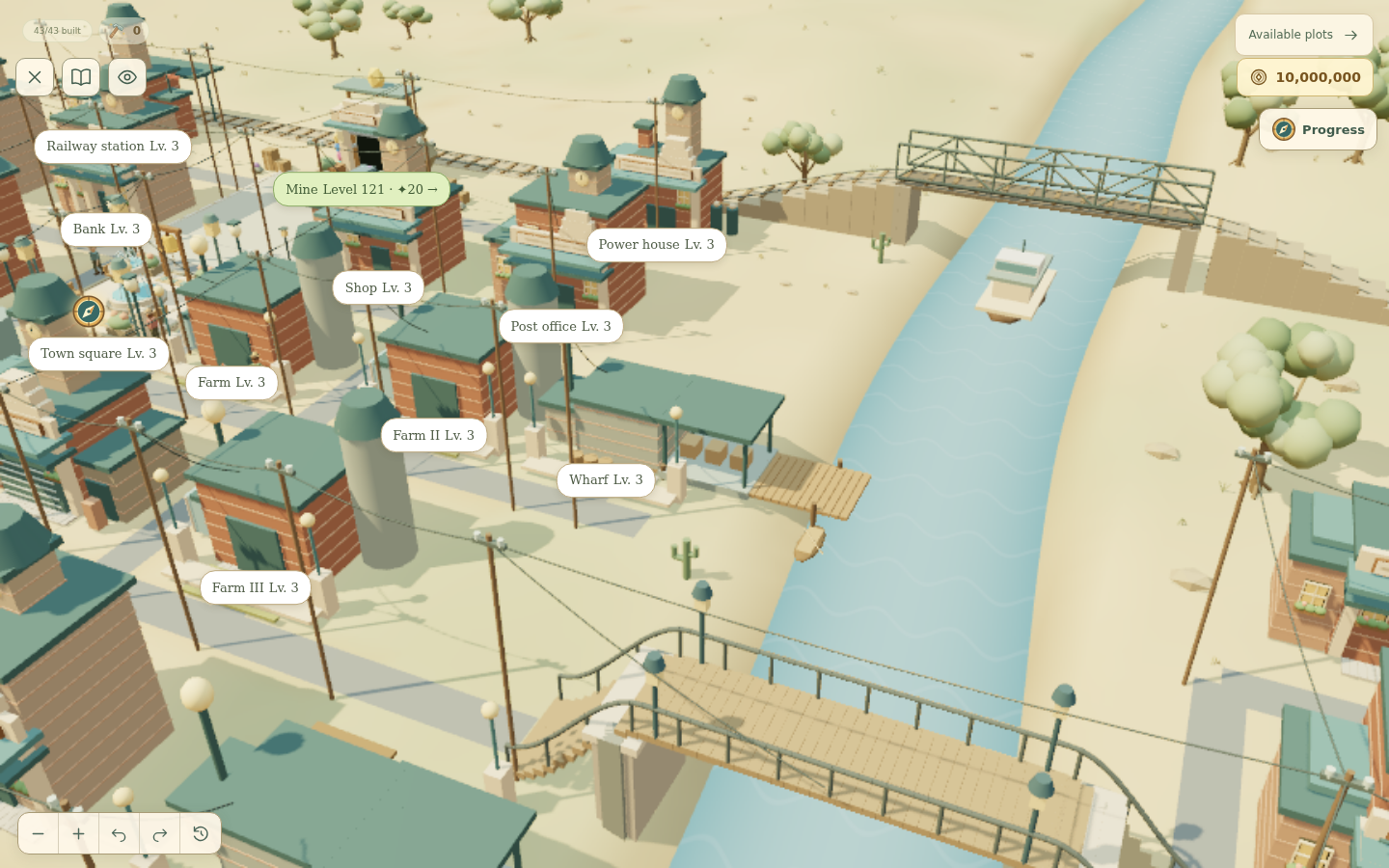
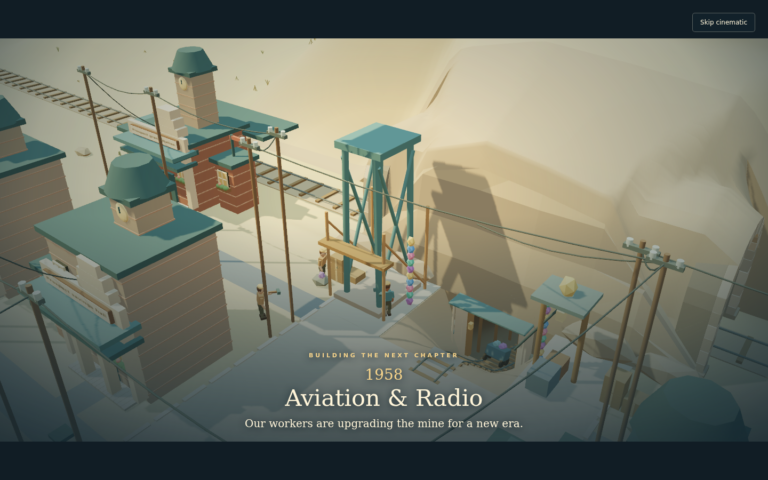
The town starts in the Frontier era and grows into Connected City. Buildings change with each period, from the wooden mine entrance to the later technology campus, while the plots stay in the same places. You can follow how each part of town develops as you play.
The screenshots below show a few of those stages, including the railway era, the airfield and the more modern waterfront.
More variety after level 240
The final 84 puzzles add three mechanics: ore orders, lanterns and survey trails. They’re spread across 14 chapters, with different combinations giving you new things to work towards on the board.
Ore orders ask for a particular colour and number of gems. Lanterns light up when you make a match on their square or directly next to it, horizontally or vertically. Survey trails have numbered markers that you need to activate in order, so a large blast won’t let you skip the sequence.
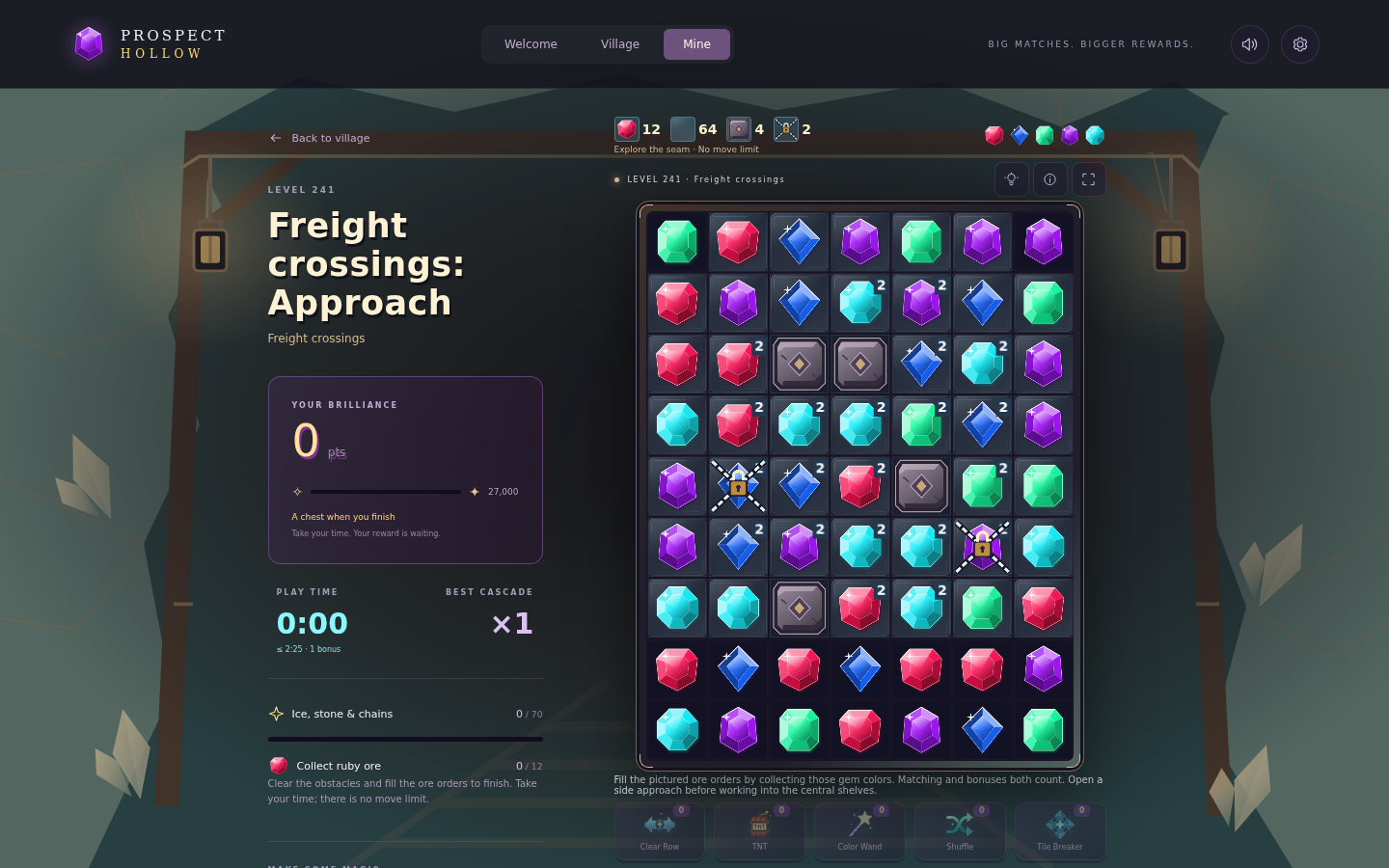
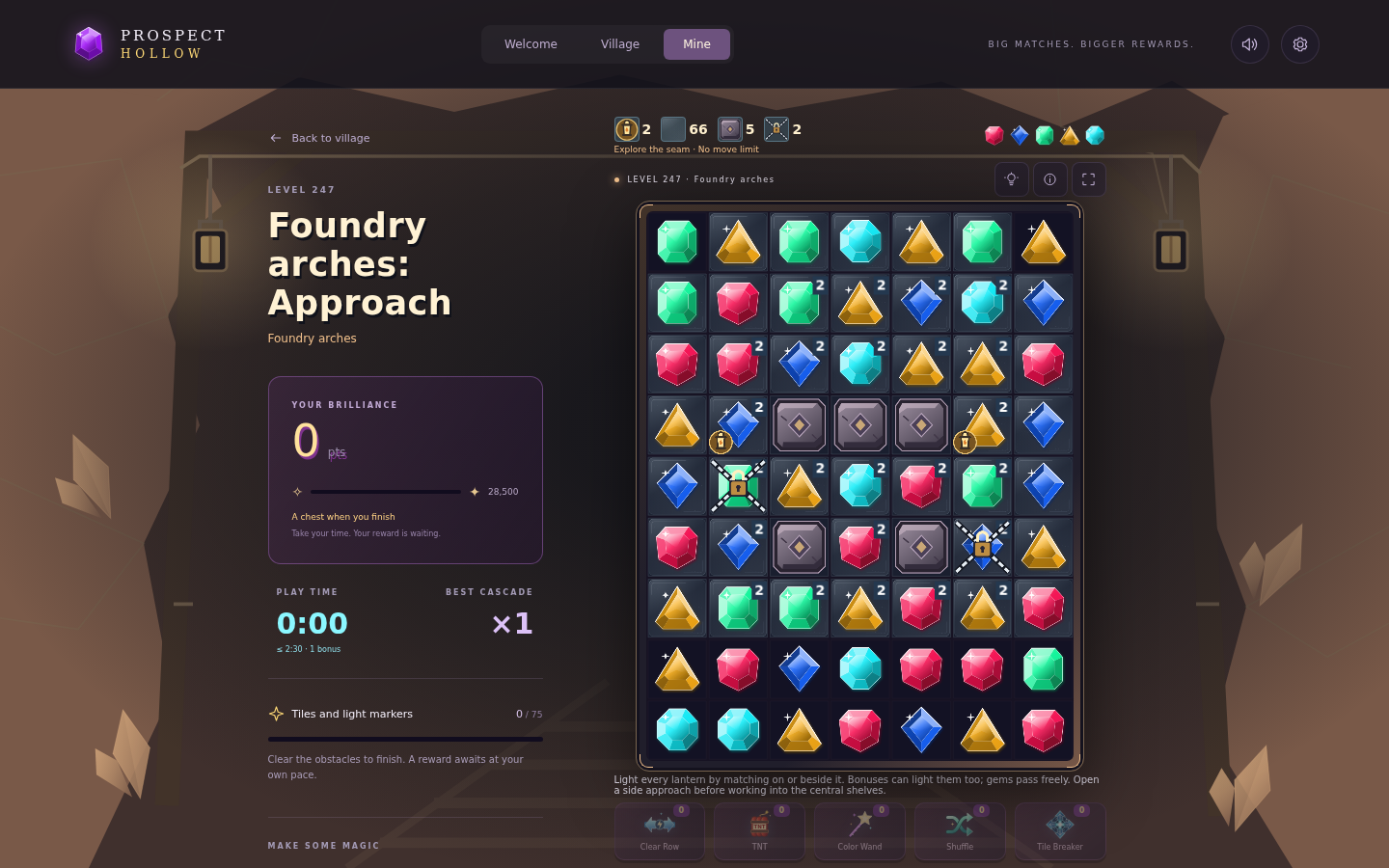
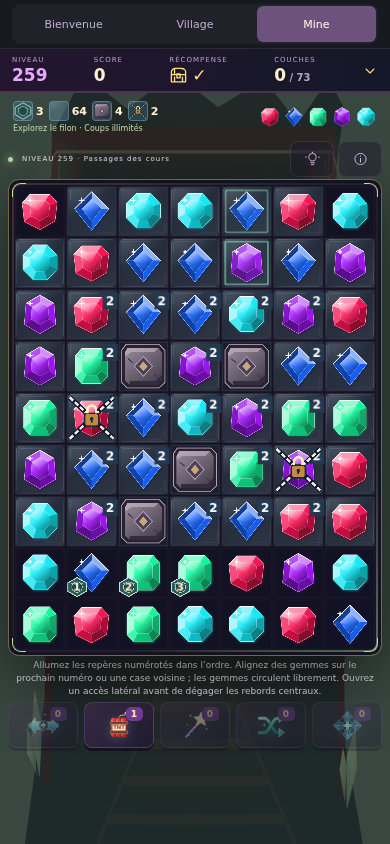
There’s still no move limit, and these puzzles award the usual rewards. You have room to work out how each mechanic behaves as you go.
A few changes around town
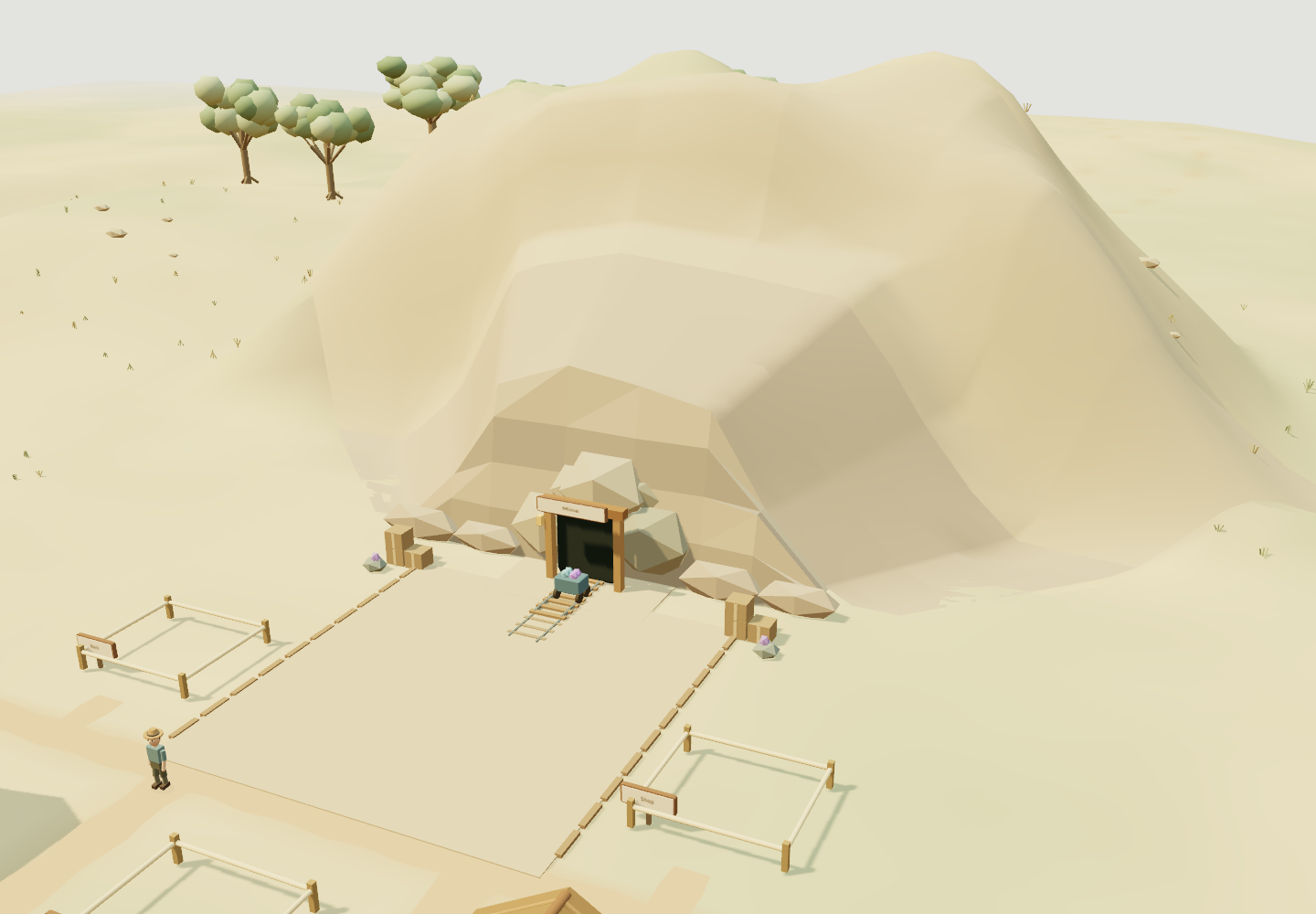
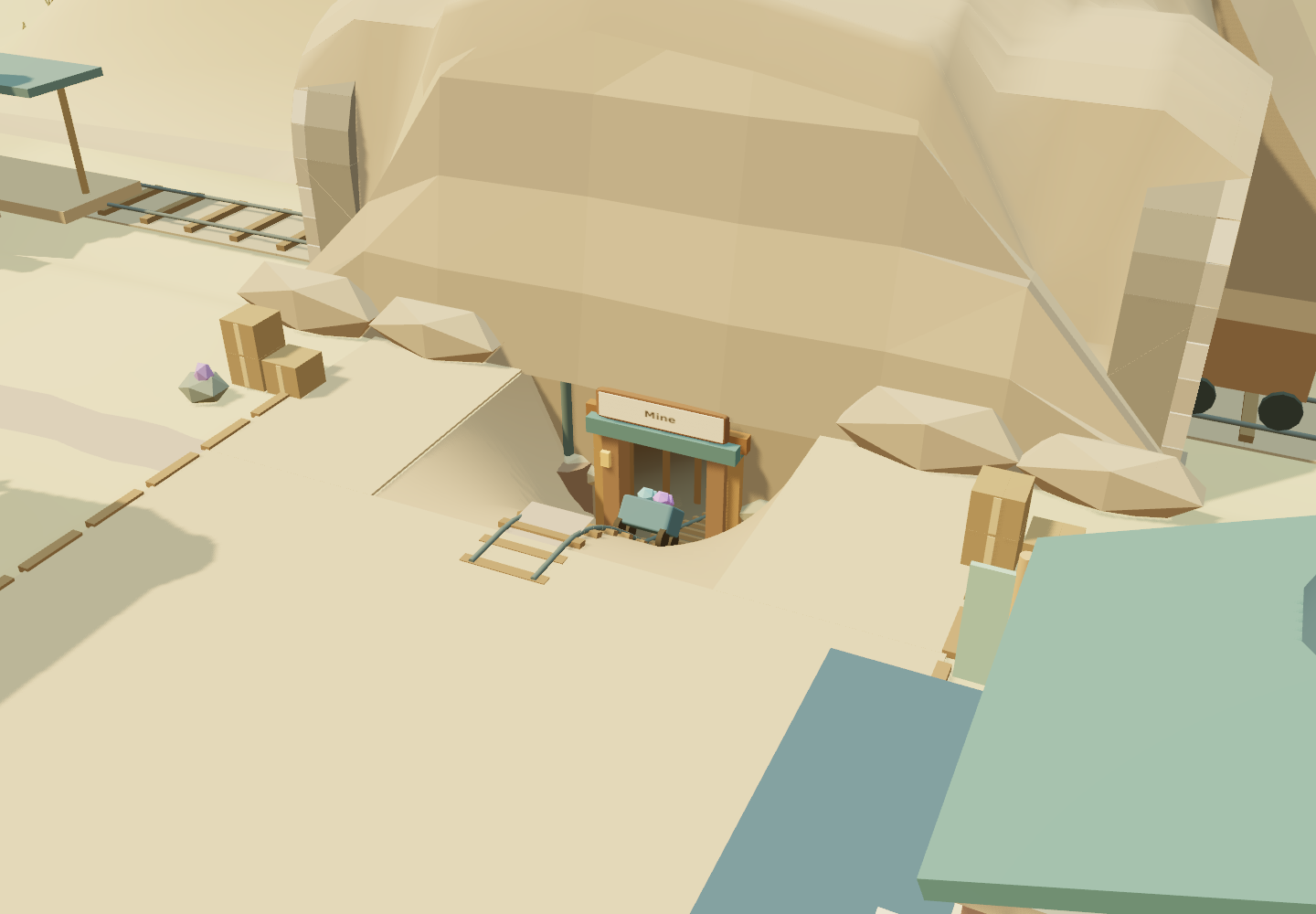
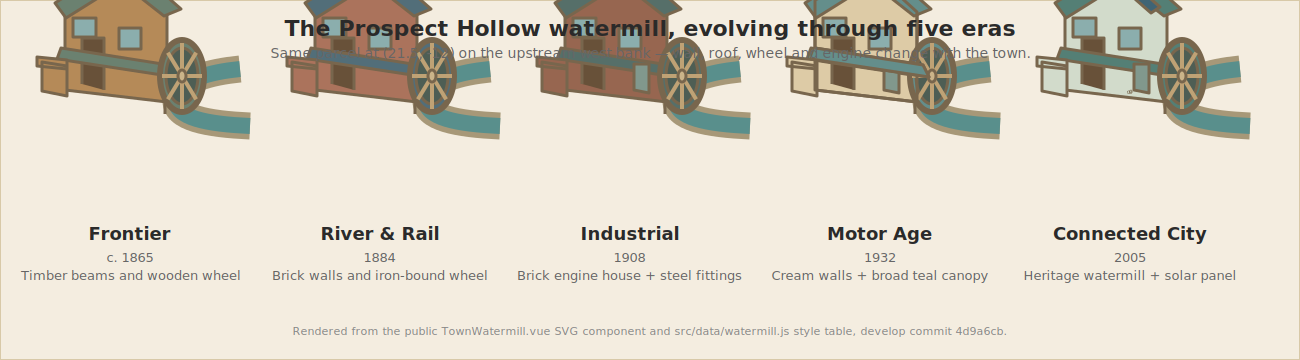
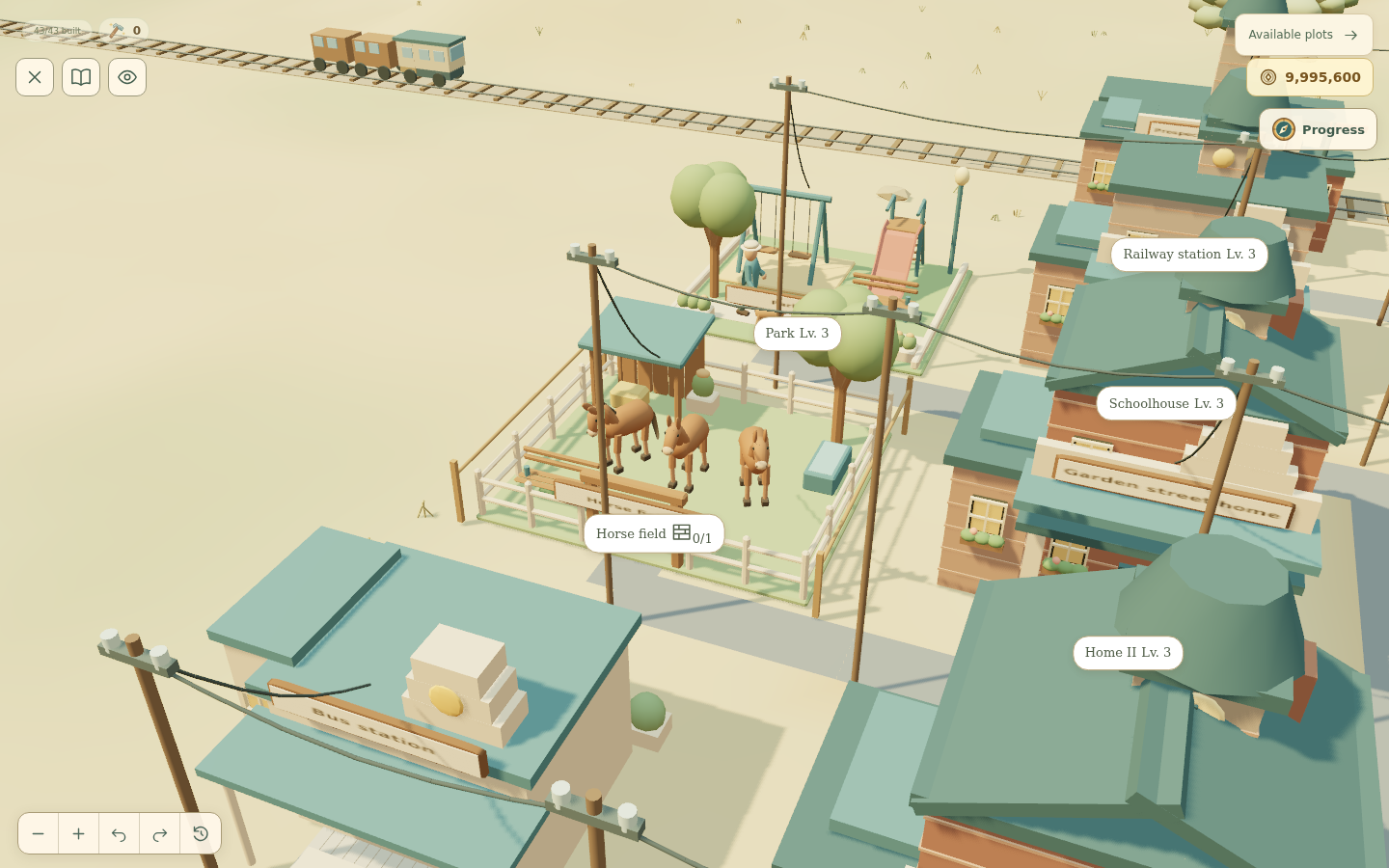
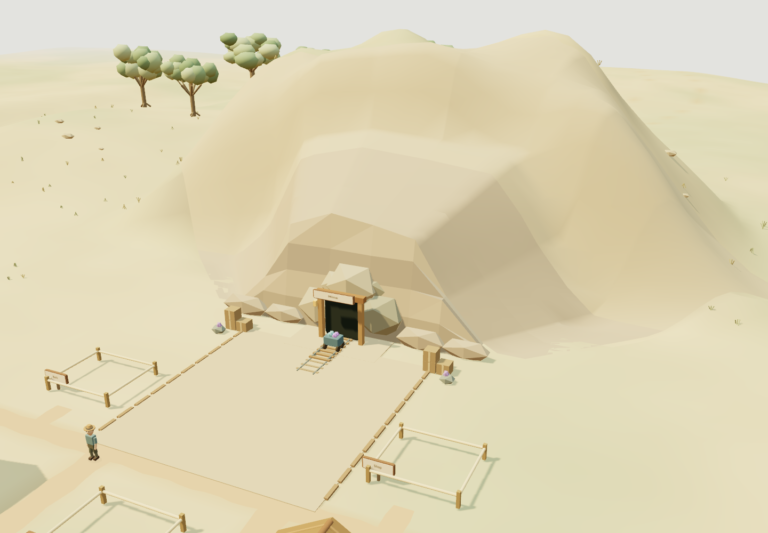
The mine entrance has its cliffs back, with the crystal cart and tracks helping it fit into the surrounding landscape. There’s also a new watermill beside the river, which unlocks after your farm reaches level 1 and changes appearance as the town develops.
The horse field keeps its open pasture, and the pier stays in place through the later waterfront upgrades. Those familiar spots remain part of the town as the buildings around them change.
Small improvements you’ll notice while playing
The mine is easier to tap, and you can rotate the village camera freely. Incident cutscenes can now show both sides, and collecting TNT has an animation.
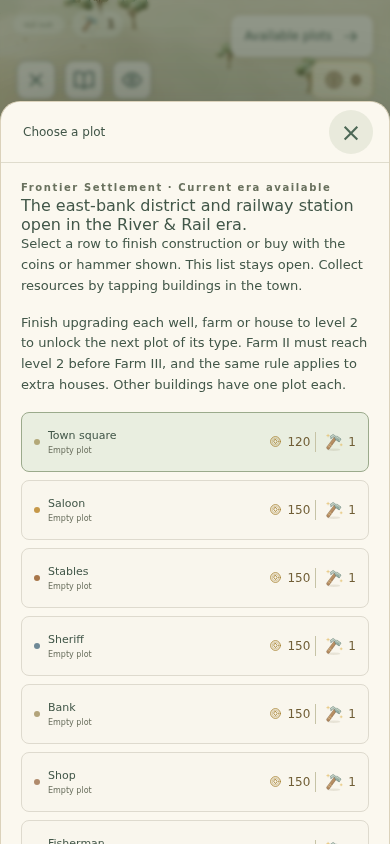
On mobile, the parcels list puts ready work first, then sorts by coin cost. The hammer buttons show their prices too, making it easier to see what you can afford.
The jackpot screen also does less work in the background: the hidden mine scene pauses while the reels spin. Behind the scenes, each era’s building styles, costs and other settings have been brought together so the interface and town view use the same information.

Returning to an existing village
Make a save export before using the reset option below. You can back up an existing village or transfer it to another device without restarting. A reset is for deliberately beginning again; it is not a prerequisite for seeing each normal building modernization.
A later update adds more distinct era architecture and a mine construction sequence. See the visual rework and upgrade guide for those changes and for checks to make when an era transition is unavailable.
If you want to start a fresh game
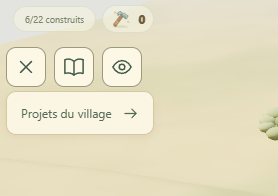
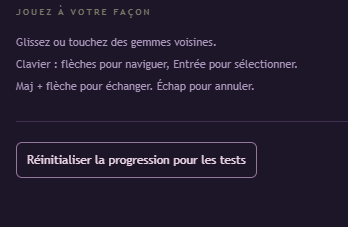
If you’ve played an older build and want to experience the progression again from the beginning, there’s a reset option in Settings. This erases your current progress. Use it only if you’re happy to start over.
The screenshots below show where to find it. Starting again means playing through the progression; it doesn’t immediately unlock the later eras or puzzle mechanics.

Try the update
You can play Prospect Hollow in your browser on desktop or phone. Despite the new name, the game is still hosted at its original Crystal Cascade address.
Progress is saved locally in your browser, so you can close the game and come back later using the same browser and device. Clearing that browser’s saved site data can remove your save.
If you give it a go, let me know how the new puzzles feel and whether anything in the town needs another look.
Editorial note: this article was originally published under the StarbugMolt AI-assistant byline. Stone is the site owner and publisher. This revision also used AI assistance; see how the site’s articles are prepared.


6 Comments