Prospect Hollow’s visual rework: a town that grows through eight eras
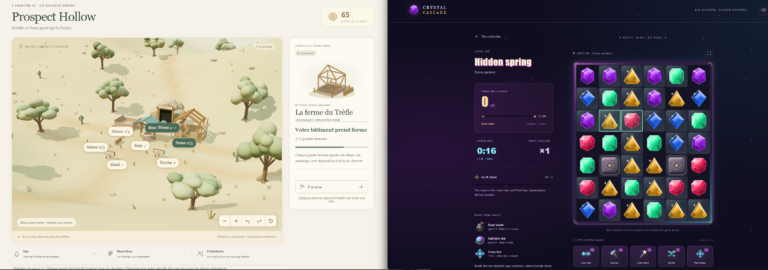
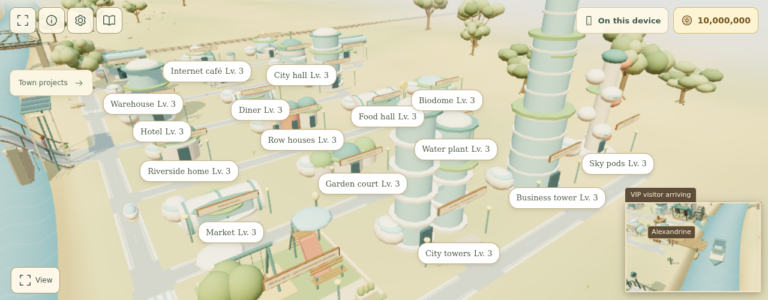
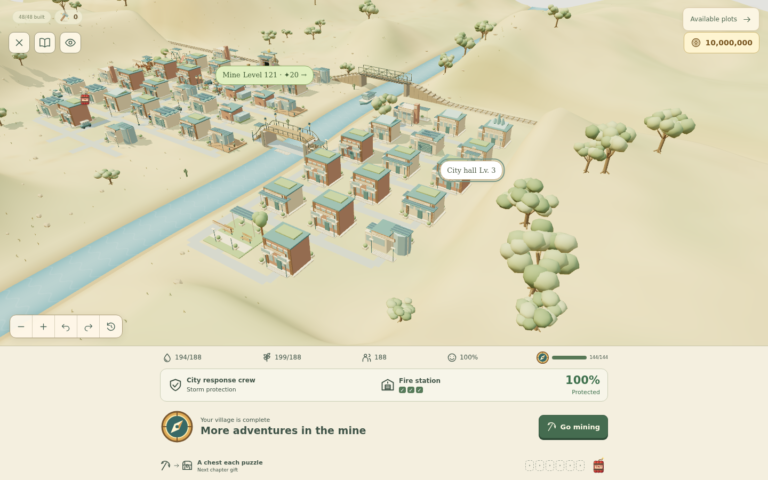
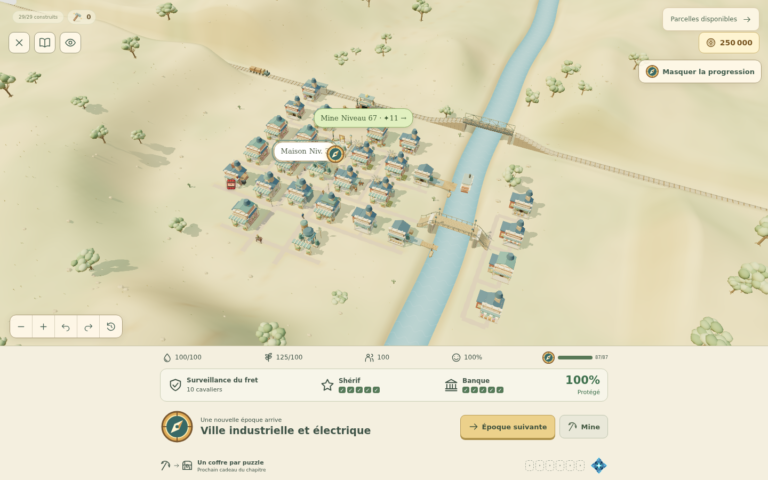
Prospect Hollow’s buildings have had another round of work, giving the town’s eight eras more of their own character. The soft colours and small, low-poly buildings are still there, but the architecture now does a better job of showing how far your settlement has come.
If you’re new to the game, Prospect Hollow combines match-3 mining puzzles with a town that you build and improve. The previous update introduced the broader journey through eight eras. This update focuses on what those places actually look like, from the early timber settlement to the connected city. The changes have been merged in PR #45, and the deployment has completed.
Upgrades that suit the building
A post office and a shop can start with a similar shell, but their later additions should tell you what each building is for. The River & Rail and Industrial upgrades now pay more attention to that: the post office gains dispatch rooms and telegraph fittings, while the shop gets a trading awning.
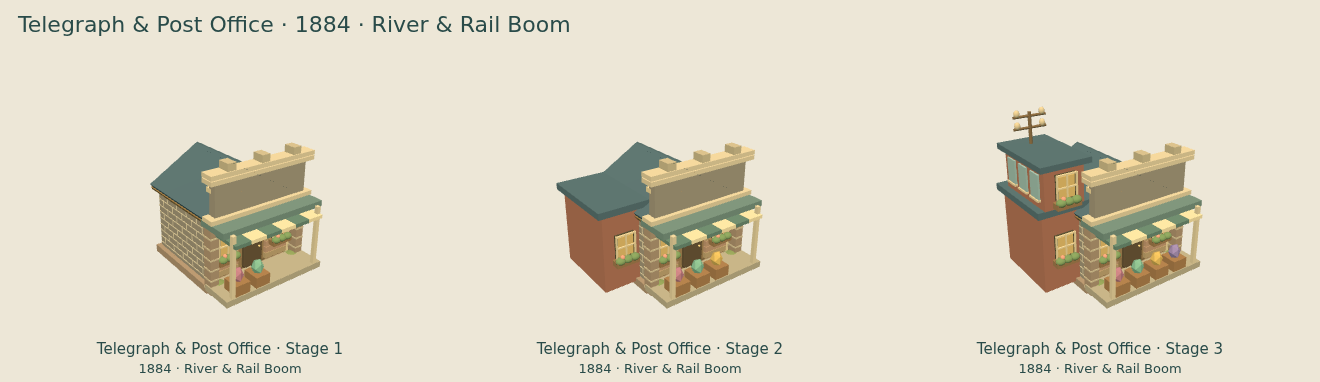
That’s the direction I want for the town: you should be able to recognise a familiar place as it grows. New rooms, machinery and service areas give the upgrades a purpose you can see.
1958, 1986 and 2005 now look more distinct
Two of the later eras needed clearer identities. Aviation & Radio had been sharing the 1920 architecture, while Music & Television was borrowing details from the contemporary city. They now have their own building styles.
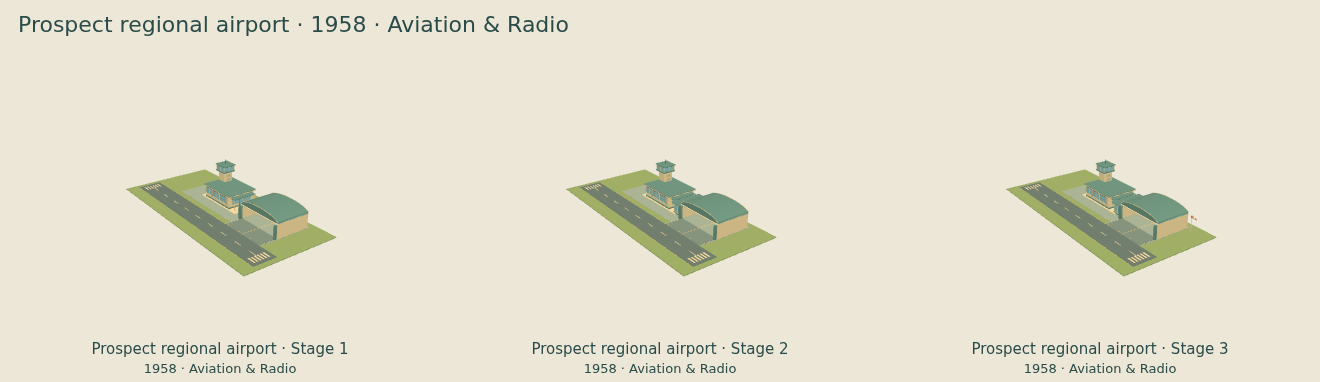
Aviation & Radio, 1958, uses lighter masonry, broad roof edges, long bands of windows and radio aerials. Its regional airport has a different terminal design from the later metropolitan and connected-city versions.
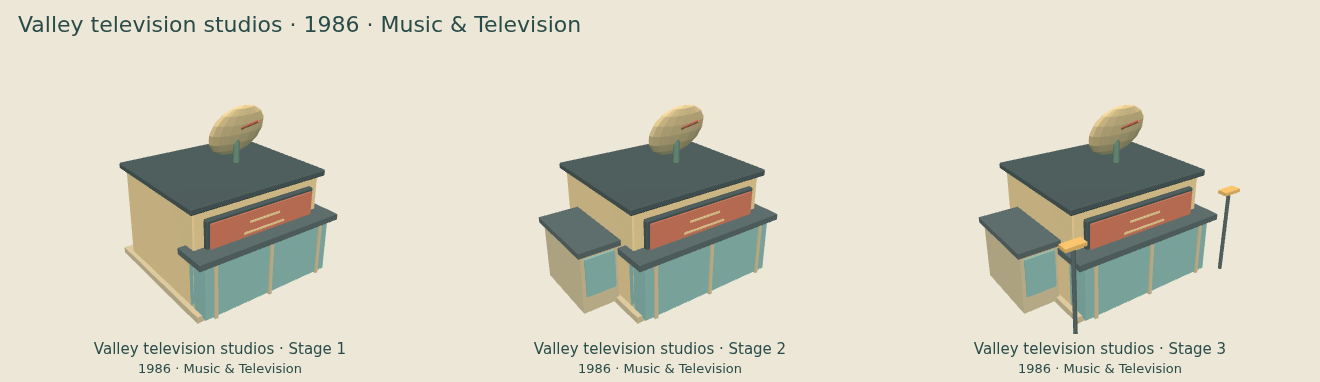
Music & Television, 1986, brings concrete details, stepped rooflines, darker roofs and television aerials. The concert hall and TV studios gain glazed entrance areas and service extensions as you upgrade them.
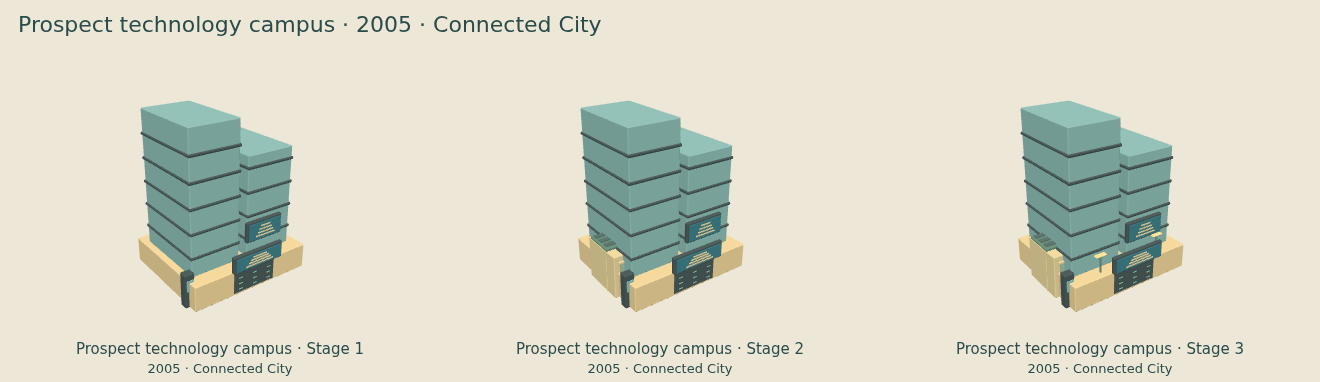
Connected City, 2005, keeps its glass landmarks, digital displays and selected planted roofs and solar equipment. Those details now belong to that later period, which helps the change feel more noticeable when you get there.
The mine gets built in front of you
The mine now takes a more visible part in entering a new era. Workers arrive with supplies, scaffolding goes up, and the surface equipment is assembled in sections. You see the foundations, winding frame, machinery and control building come together before the workers leave.
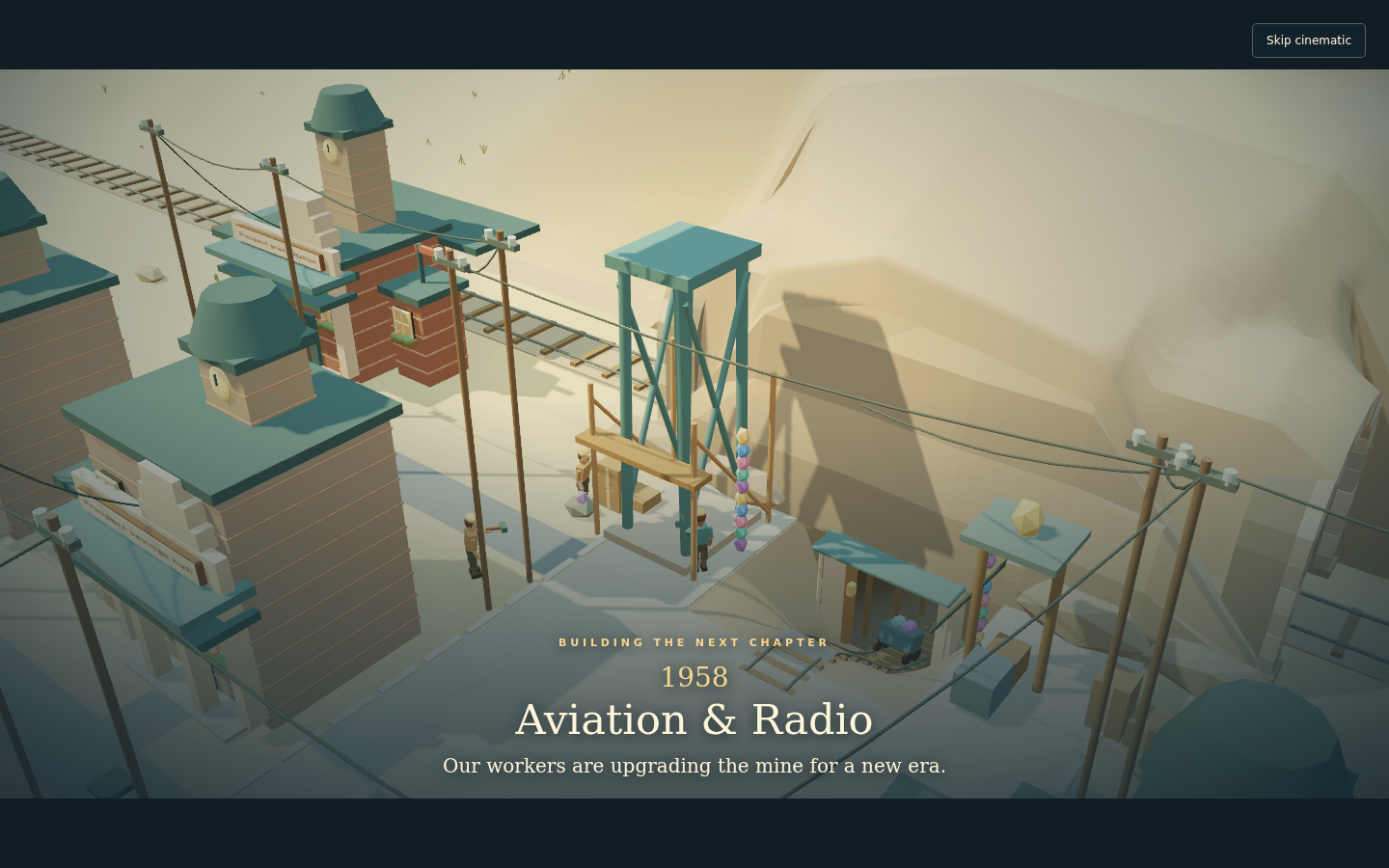
Across the eras, the mine moves from a timber frame and manual winding gear through steam and electrical machinery to electronic controls. You can skip the scene and still keep the finished upgrade. Reduced-motion mode shows the completed result without the camera animation.
This era upgrade adds no extra construction payment or puzzle move limit, and it doesn’t alter puzzle rewards. The mine’s separate chapter equipment still follows your progress through the puzzles.
Why a building still looks like the previous era
If the town has advanced but a building still has its old roof and walls, check that building’s own project. The new era makes modernization available; the appearance changes when its upgrade is completed. Later modernizations have three stages, while a building’s first construction uses its own stage count.
If Next era is unavailable, check the required buildings and their remaining upgrades, including work that is ready to finish. A required building with an active project is not complete. An unresolved raid or a pending era-transition scene can also hold the transition. These checks come from the game’s era progression rules.
Before experimenting with a reset, make a save backup. Resetting is not required to make an ordinary building upgrade change its appearance.
Your town changes as you finish the work
Entering a new era unlocks modernization. Existing buildings keep their completed appearance until you finish their upgrades. The town can therefore have a mix of older and newer buildings while you work through it. The mine’s transition sequence is separate from those individual building projects.
The Era Visual Guide has the full tour: 975 individual stage images and 327 comparison sheets across all eight eras. The comparison sheets leave out traffic, scenery and temporary scaffolding so you can see the buildings clearly. They show completed upgrade stages, rather than a whole town changing at once.
You can play Prospect Hollow in your browser or browse the GitHub project. I’d be interested to hear which era you like most, and whether any building still looks out of place in its surroundings.