Prospect Hollow update: clearer puzzles and a livelier town
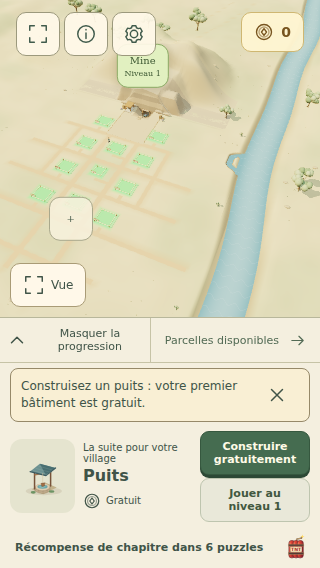
If you have already spent time in Prospect Hollow, the first thing you may notice in this update is how much less the game asks you to navigate around. Returning players land in their village. New players see a shorter welcome, then a clear first job: build the well for free and head to the mine.
This is the 25 September update merged from develop into main, and it is available in the browser game. The eight eras and 324 puzzles were already there; this release makes the existing journey easier to read and gives the settlement more character.
The village shows you what to do next
A town with dozens of plots can make a simple decision feel complicated. The map now gives the suggested plot more emphasis and quiets the unused markers. A free first build can be started from the suggestion itself; paid projects still show their details before you spend coins.
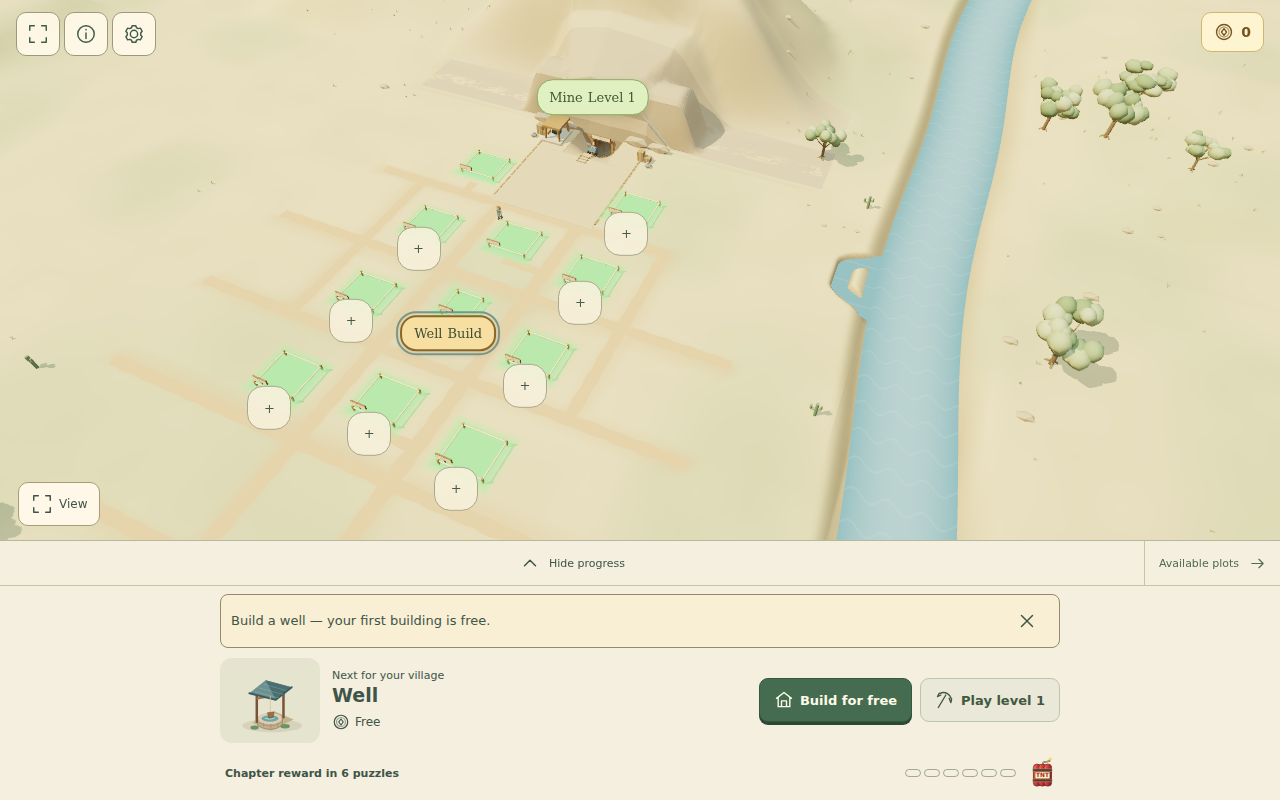
Useful figures appear when they matter, and the progress panel can be collapsed. The controls for the camera are still available under View, including on touch screens. The original long village tour remains accessible if you want it, but it no longer has to stand between you and your first action.
More room for the puzzle
The mine now keeps its level, current objective and return control together. The board uses the space the screen actually has, so the opening puzzles feel less boxed in by labels and panels. A short tip explains the first ice tiles; later mechanics are introduced as you encounter them.
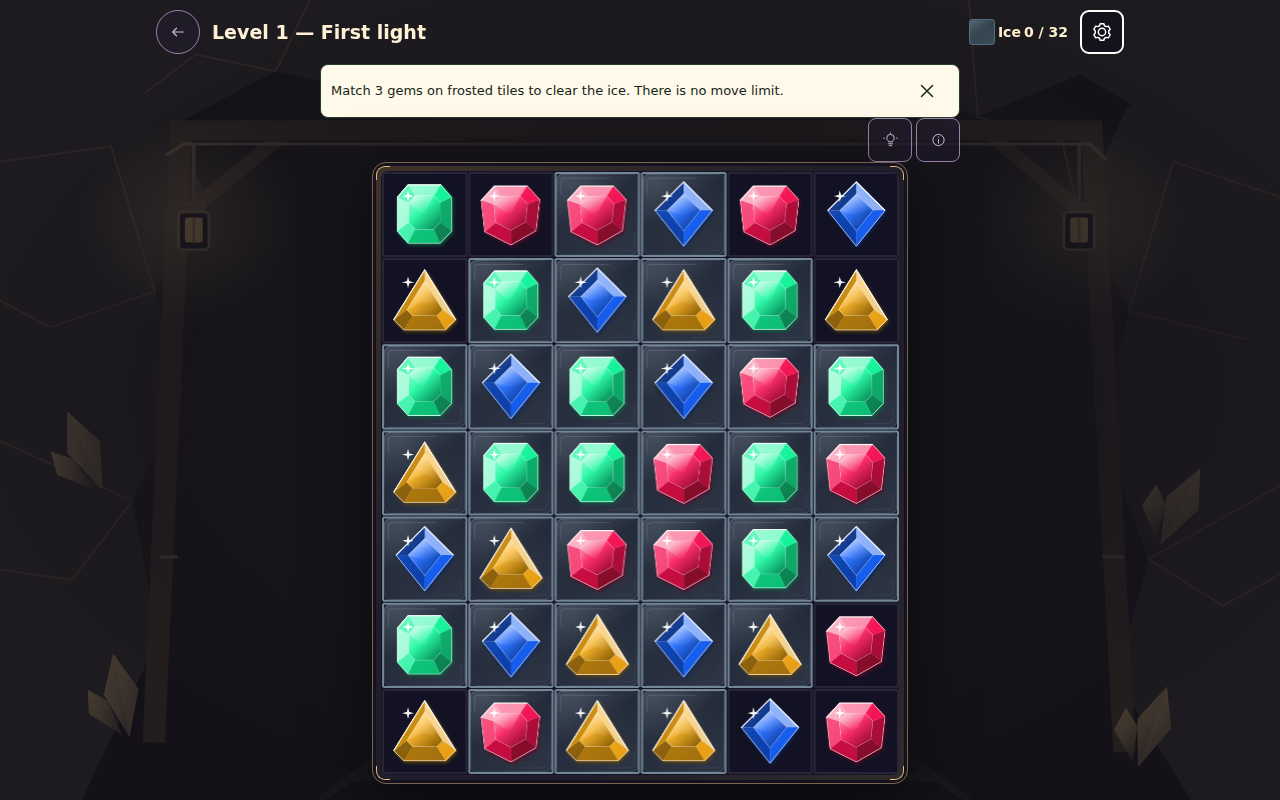
A separate feedback area holds hints, combos and power-up prompts. The tiles stay put while a message appears or disappears, and the top row stays visible during a cascade. Later levels get a compact header so long names and several objectives do not push the powers off a phone screen. Full objective details remain available in the pause panel.
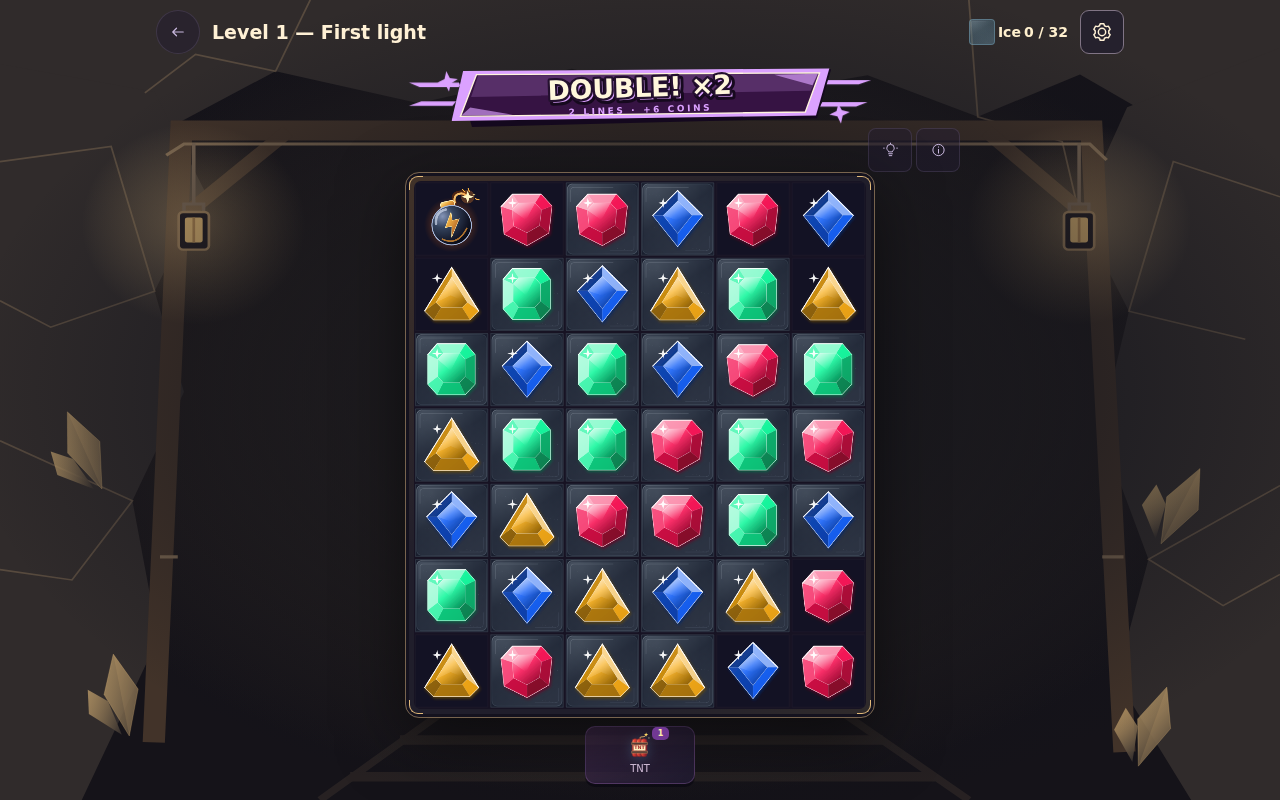
There is still no move limit. Chest time targets are optional, and the update does not add a timer that can make you fail a puzzle. It also fixes several less visible annoyances: a blast now damages stone inside its actual area, freeing a chained bonus does not fire it by accident, and puzzles with no useful move can recover without making you buy a power.
Stars have clearer rules, and the museum has a purpose
Completing a normal puzzle earns one star. Reaching its own score target earns another. For the third, you need a ×4 cascade or a score of at least 150% of that target; a full three-star result needs the base score target too. Your move count and time do not decide the stars. The pause screen and results show the level’s actual numbers, rather than making you guess.
Previously earned best stars remain on your save. If a level is sitting below three stars, the museum can filter the completed puzzles that need another try. Unplayed levels are still separate from that replay list, and continuous play keeps its own rules without changing normal stars.
There is now a celebration for a perfect run through all 324 normal puzzles. It plays when the full collection reaches three stars, remembers that it has been seen, and has a still version for reduced-motion settings. Nothing about this asks you to restart an existing town.
Buildings and streets have more personality
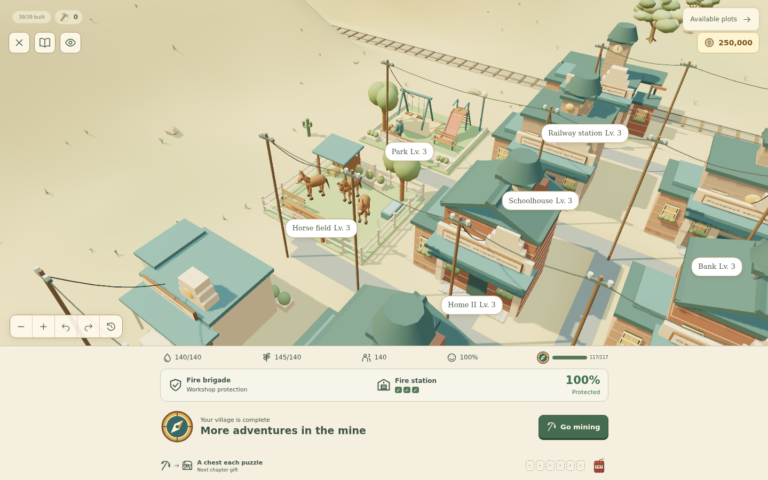
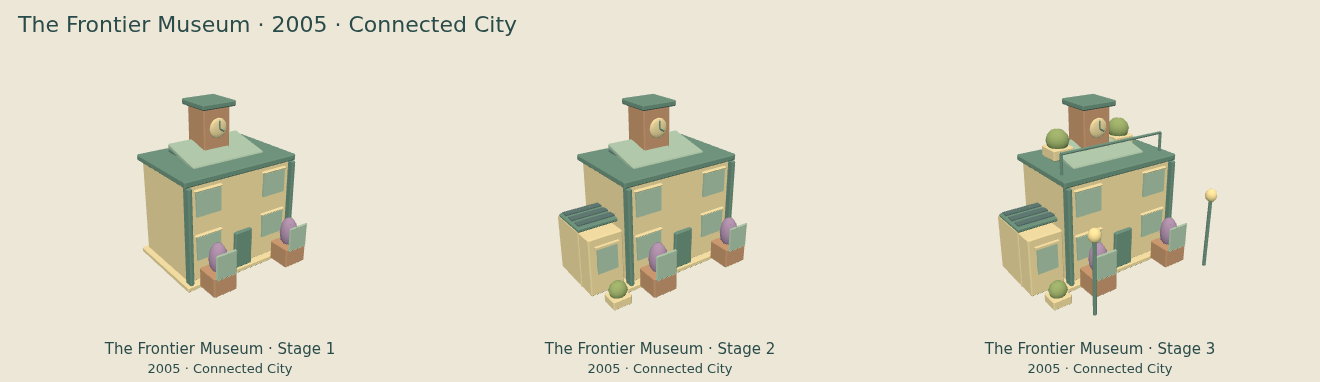
The town’s visual pass goes beyond changing the colour of a roof. Later-era buildings now keep stronger clues to what they are: the museum looks like a museum, housing no longer borrows the business tower, and building upgrades add visible parts rather than the same little decoration everywhere. The Motor Age also keeps the architectural progress of the Post-war period instead of slipping back to older industrial forms.
Villagers have more believable paths around street furniture and one another. Dogs and cats use the streets, hens forage farther afield, pigeons move between suitable places, and occasional wildlife appears nearer the edges. These animals add life to the scene; they do not introduce a pet inventory or chores.
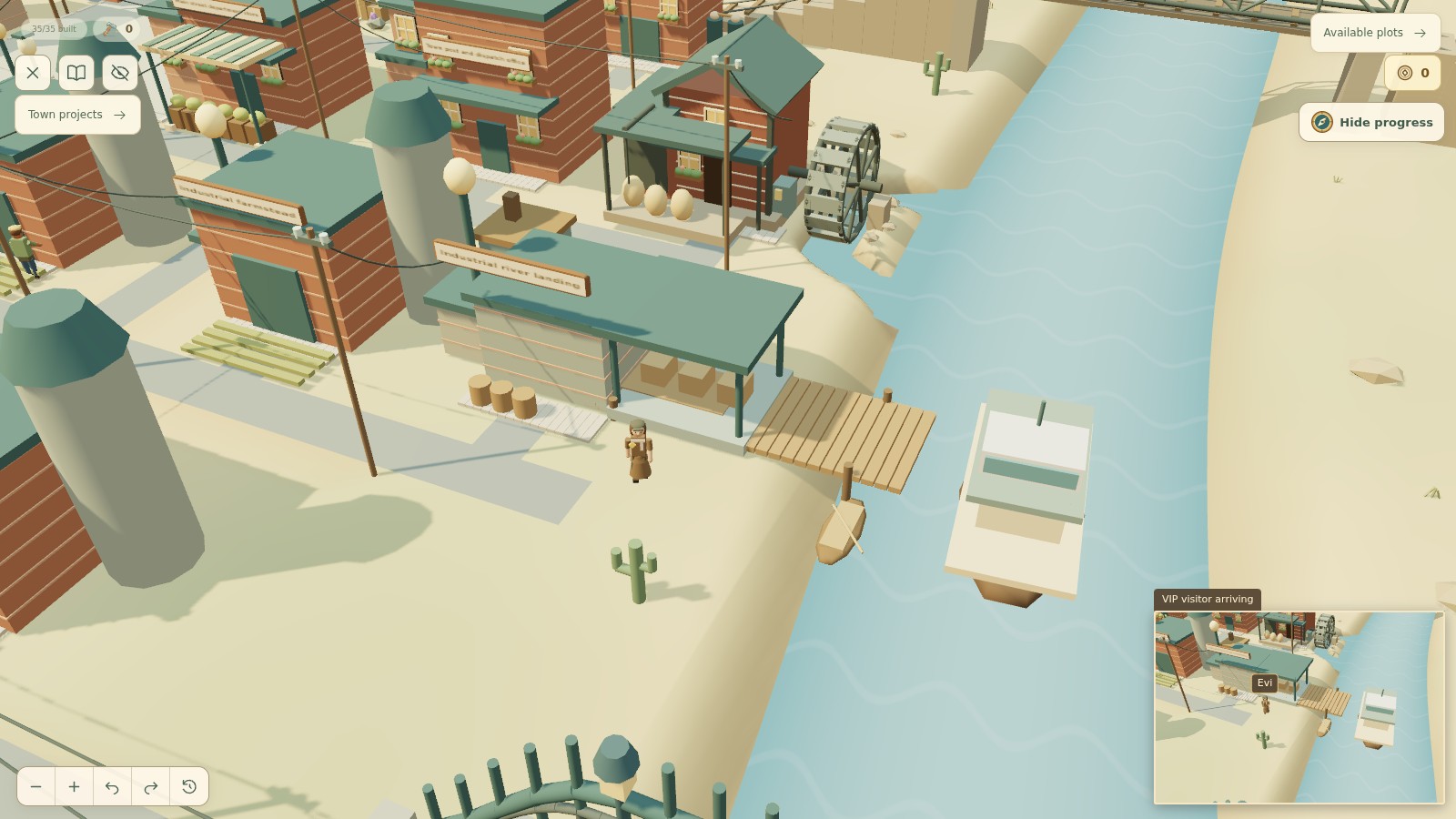
There are occasional named VIP visits too. An arrival follows a real train, boat or plane and appears in a small secondary view while you keep control of the main town camera. The featured screenshot shows Evi arriving by boat in the Industrial era.
Play, and keep your save
The update is live at Play Prospect Hollow. The older Crystal Cascade name remains in that address. Your existing local progress and best stars are designed to carry forward; for a separate backup or a move to another device, use Settings → Export save. The save transfer guide explains how to import it.
The merged pull request and deployment review have the full change and verification detail. If you want a closer look at the buildings, the era visual guide article remains the place to start.