Rivet Reach is heading for alpha 0.1.0: fishing, chickens and a place to call home
The next Rivet Reach release will be alpha 0.1.0. I’m moving straight past the planned 0.0.2 version because the work has grown into a bigger step: the beginnings of a survival game where you can establish a home, feed yourself and have a reason to head out exploring.
In the previous update, fishing, chickens and beds were still on the list of things to finish. They’re now implemented on the main development branch, which also has bulk storage, configurable item routing, new underground encounters and fixes from the early playtest builds.
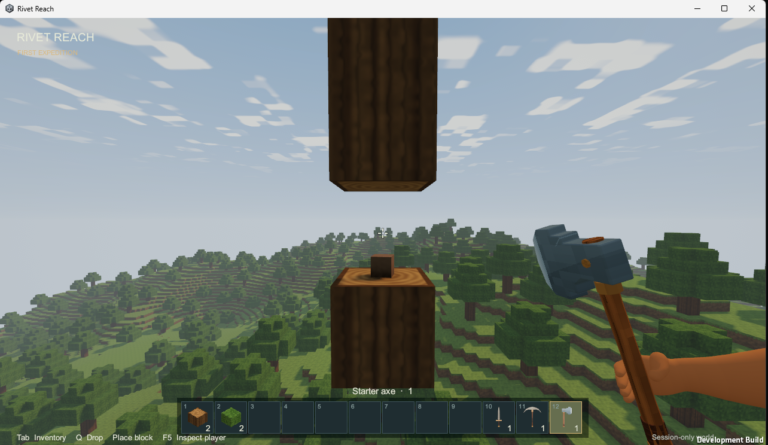
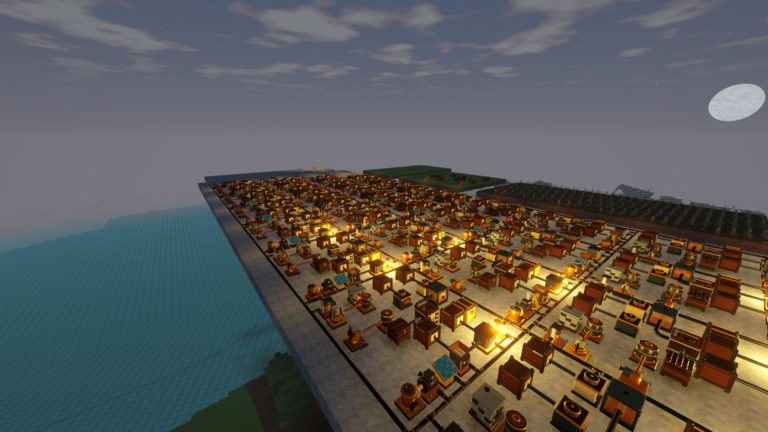
0.1.0 is the next release, not a download announcement. The published Windows alpha is still 0.0.1. This post covers the newer development work; the images are actual captures from development and review builds, including staged test scenes.
Chickens give a farm more purpose
Wild chickens now appear on well-lit grass during the day. Hold seeds or grain to lead them home, then feed a pair to raise chicks. Adults lay eggs and provide meat and feathers, while chicks grow into adults over time.
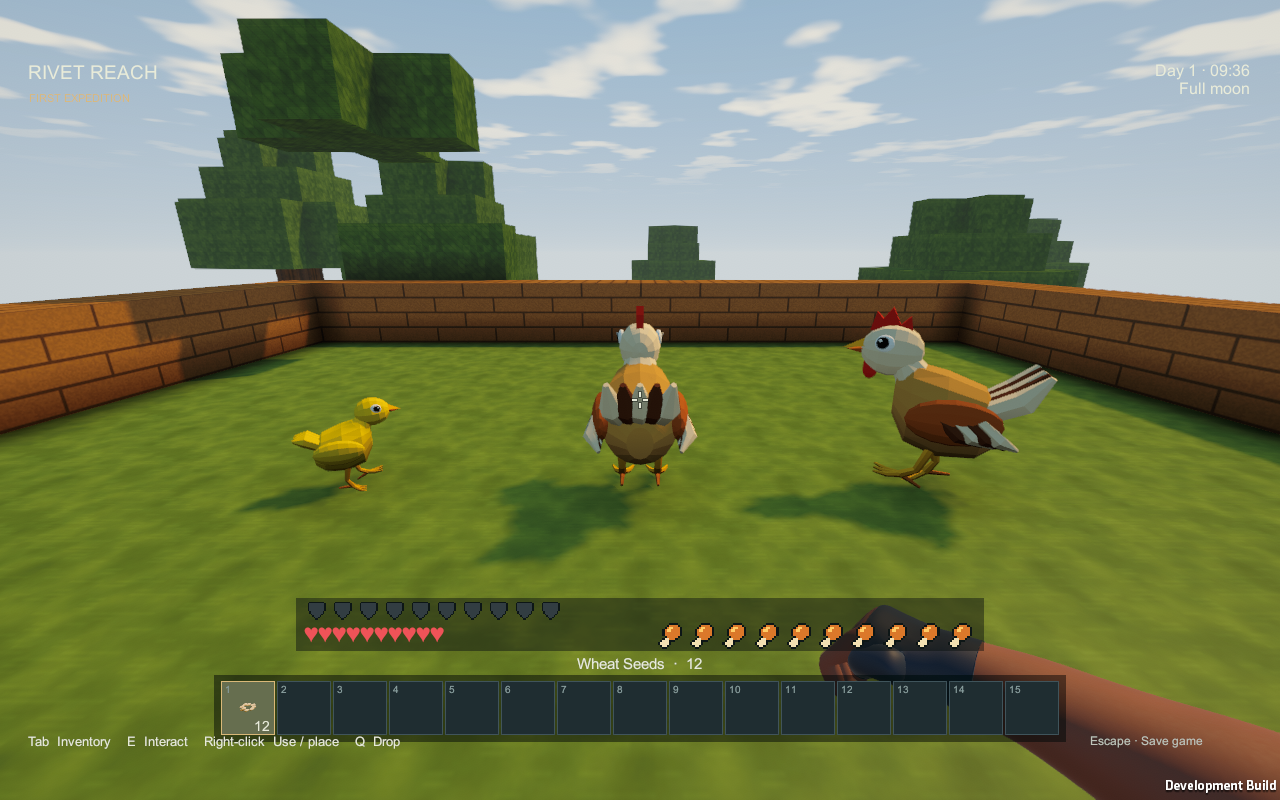
The useful part is how they fit into the rest of the farm. Spare seeds become feed, vegetables go into chicken stew, and eggs give you another food source. Both the fuel-burning and electric cookers can prepare the new chicken and egg recipes.
Your flock stays in the saved world when you travel away. Growth, breeding and egg timers pause while the animals are distant or unloaded, and while the game is closed. The chicken guide has the current timings and breeding rules.
Fishing is another way to stock the kitchen
Flax now has another practical use: turn its fibre into string, then combine three sticks and two string at a workbench to make a fishing rod. The rod is reusable and doesn’t need bait.
Cast into a suitable pond, river or sea, watch the float, and reel in when the bite appears. There’s a short window to react. Fishing needs a proper body of water: the current rule is a 7×7 patch of source water, at least two source blocks deep. You can build a pond that meets those dimensions.
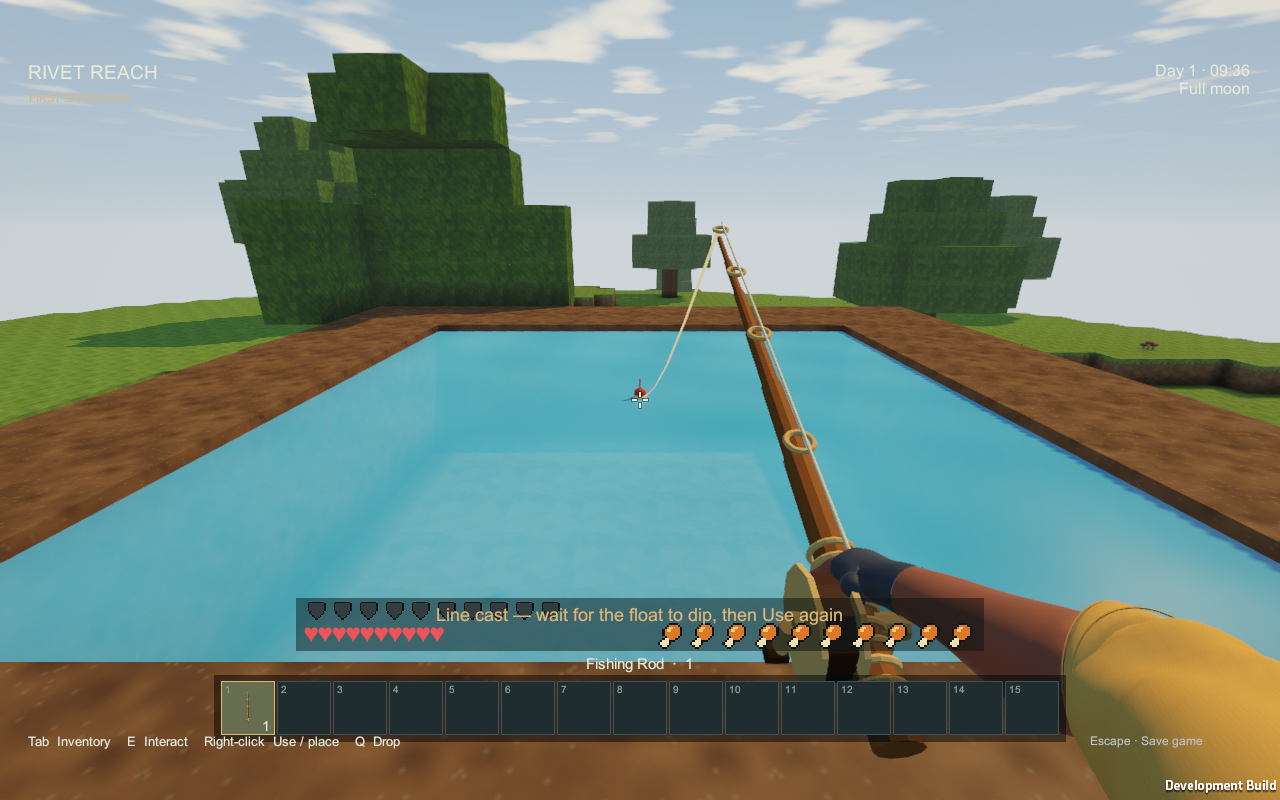
A successful catch gives you raw fish. Cook it on its own or add vegetables for fish stew. Prepared meals restore more food than raw ingredients, and food still doesn’t spoil, so time spent fishing can leave you with supplies for a later mining trip. The fishing guide shows the recipe and each step.
A bed makes a base feel like home
Beds are now craftable with three cloth above three planks in the workbench. That gives the flax-to-string-to-cloth chain a clear early goal: a place to sleep and a home respawn point.
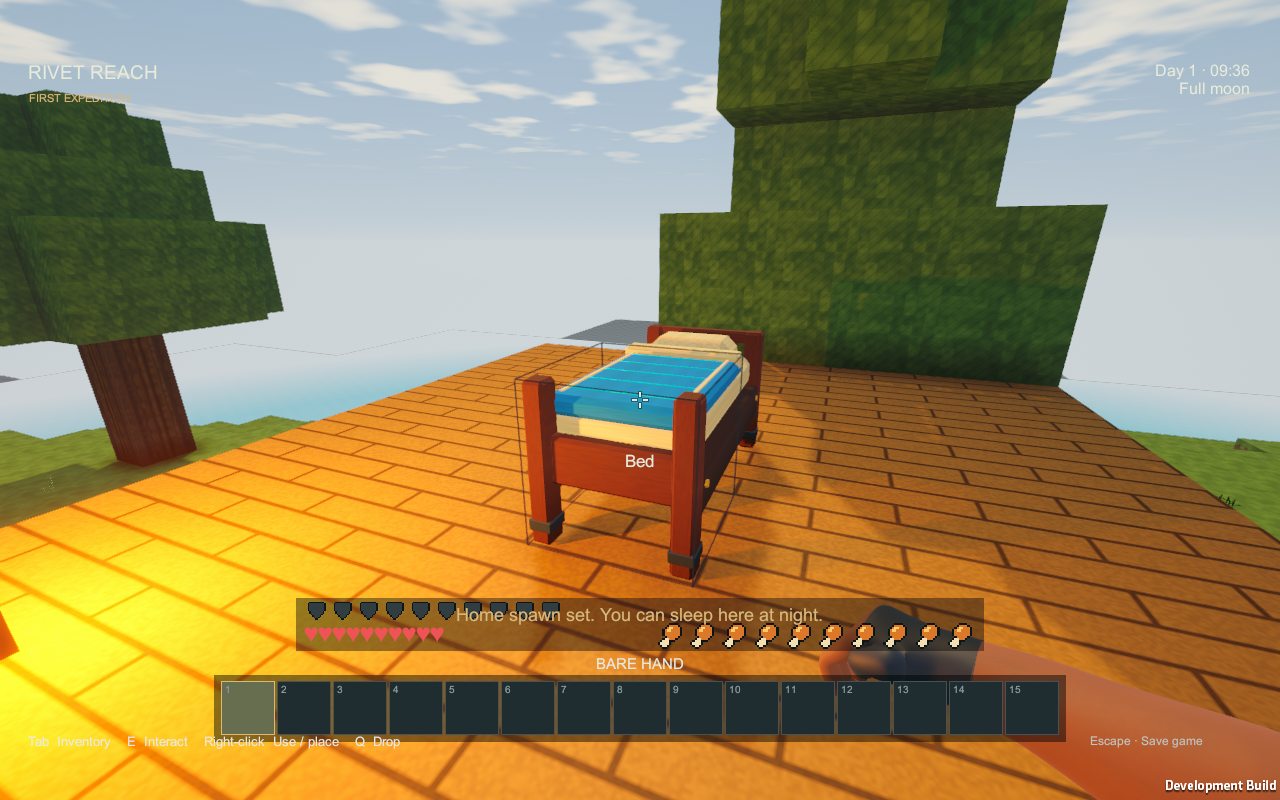
Use the bed during the day to set home. After a death, the game looks for a safe place beside it to respawn you. If the bed has been destroyed or every suitable spot is blocked, it falls back to the world spawn and explains why.
At night, using the bed advances the clock to 06:00. Sleep doesn’t add a night’s worth of crop growth, eggs or machine production, and it doesn’t refill hunger or health. Existing creatures remain too, so a safe bedroom still matters. Save before quitting to keep the bed and your home assignment. The illustrated bed guide covers placement, sleep and respawn.
Farming is starting to connect with automation
The farm can already supply food, planting stock and textiles. The compost system now makes more use of the leftovers: mix spare organic items in a manual bin, and collect compost as its level fills. Compost advances an immature crop by one growth stage. Ordinary farming still needs no watering or compost.
For a workshop setup, the separate electric Autocomposter accepts item pipes and stores its output. That gives surplus farm material a route into the machinery side of Rivet Reach. The basic wooden bin stays manual.
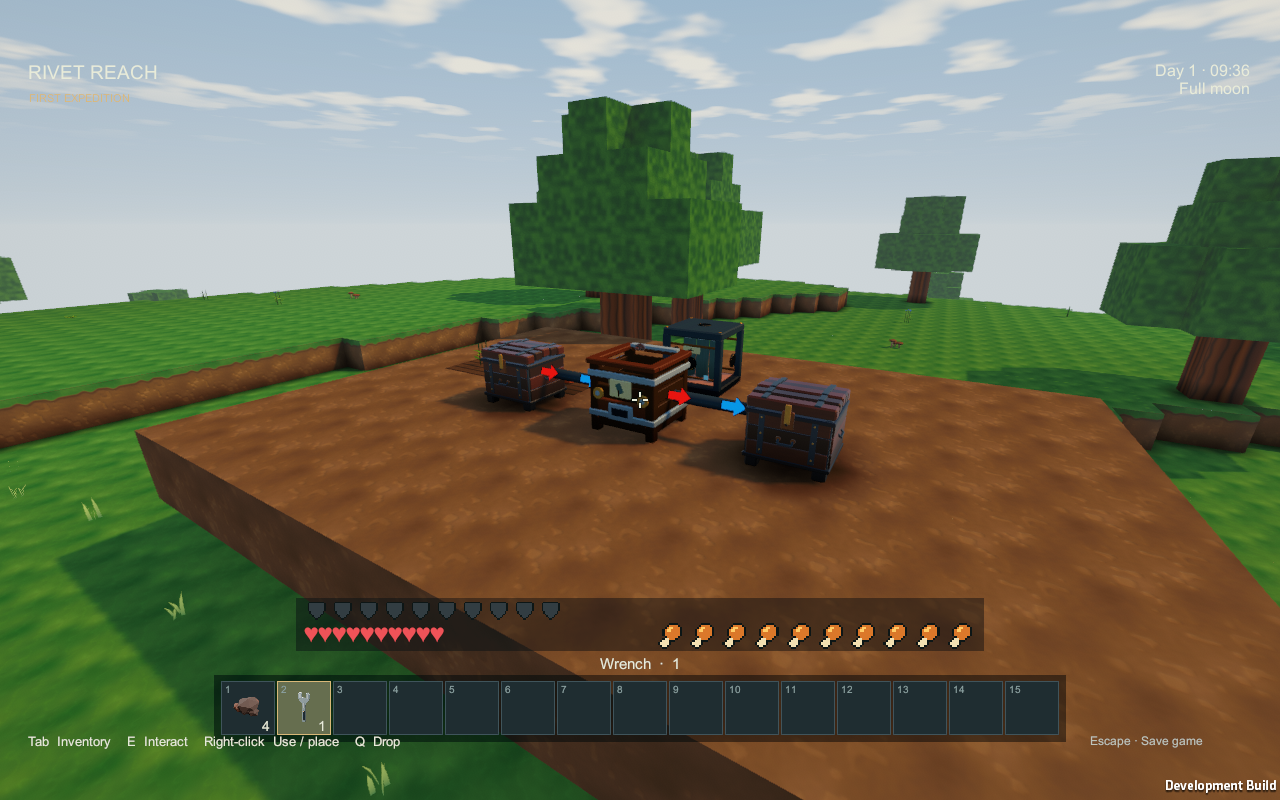
The compost guide explains the two machines. The farming and cooking guide also has clearer potato growth icons, showing the actual plant at each stage.
Bulk crates give all that material somewhere to go
Bulk Crates and the Crate Controller are now finished too. A crate holds up to 16,384 of one ordinary item, with the item and count shown on the front. You can make one at a workbench by surrounding a chest with eight planks.
The first item you put in assigns the crate’s type. You can also lock an empty crate to a chosen item, reserving space before a delivery arrives. That gives a growing workshop somewhere to keep its piles of stone, ore or building materials without filling rows of mixed chests.
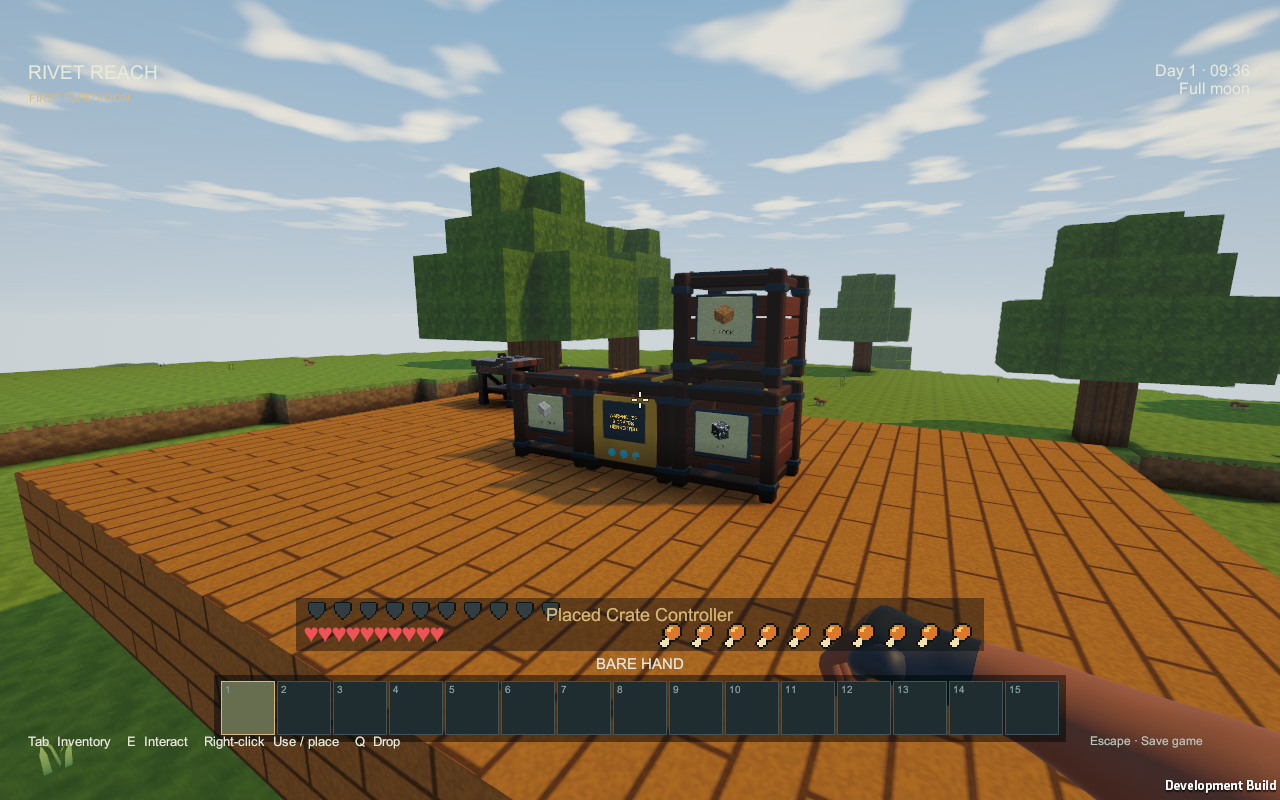
A Crate Controller brings up to 64 crates connected face-to-face into one warehouse interface. Everything stays in those physical crates, and removing the controller leaves their contents in place. The controller adds access, not extra storage capacity.
There are a couple of practical limits: filled batteries and tanks still belong in chests, and you need to empty a crate before mining it. Saves keep the stored item, count and lock. The crate and warehouse guide covers the recipes and layout rules.
Item routing lets the workshop decide what gets fed first
Item pipes now use an editable item priority from 0 to 100 on each compatible receiver. Higher priorities get first choice; destinations with the same priority take turns. These settings are saved, and they’re separate from a machine’s power controls.
For example, set a furnace to 60, a warehouse controller to 40 and an overflow chest to 20. Incoming iron ore feeds the furnace while it can accept it, then goes to the warehouse, with the chest as the last option. A full inventory or an incompatible item makes the pipe try another eligible destination. If nothing can accept the item, it stays at the source.
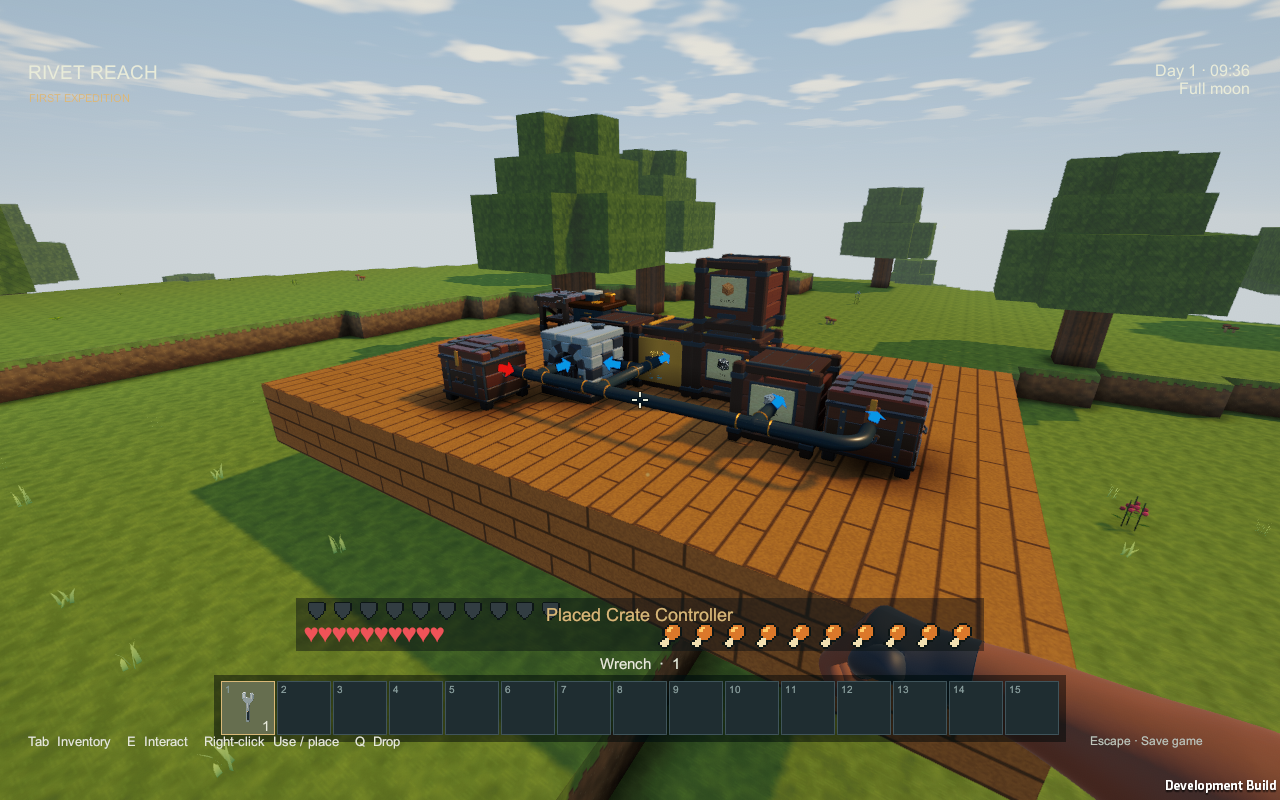
The starting priorities already favour machines over controllers, individual crates and chests. You can adjust them to suit your layout without changing the pipe directions. The item-routing guide has the controls and examples.
A first crate connection to try
In a development build that includes crates, start with one chest, one Bulk Crate, Item Pipes and a Wrench. A small setup makes it easier to see which end is doing what before connecting the whole workshop.
- Place a continuous run of Item Pipe between the chest and crate; pipe cells must meet face-to-face, not diagonally.
- Select the Wrench in your hotbar. Aim at the pipe end touching the chest and set it to Output, with its arrow pointing out of the chest.
- Set the pipe end touching the crate to Input, with its arrow pointing into the crate. Directions are named from the container’s point of view.
- Put a few ordinary items of one type into the chest. Check that the chest count falls and the crate’s front label shows the delivered item and count.
If nothing moves, check the directions, free space and any item lock on the crate. Hold the wrench to see the arrows and connection labels; colour alone is not needed to read the direction. If right-click opens a menu, aim closer to the machine-facing end rather than the pipe centre. Item pipes themselves do not need electricity.
Add the controller and competing receivers once that simple transfer works. Priority chooses among receivers that can already accept the item; raising it cannot make a crate accept the wrong material. The illustrated pipe guide covers the connections in more detail.
More to find underground
Rare underground rooms now contain Floater spawner cages. The little creature inside identifies what the cage produces. Stay nearby and, if the room has suitable space and darkness, it can spawn Floaters.
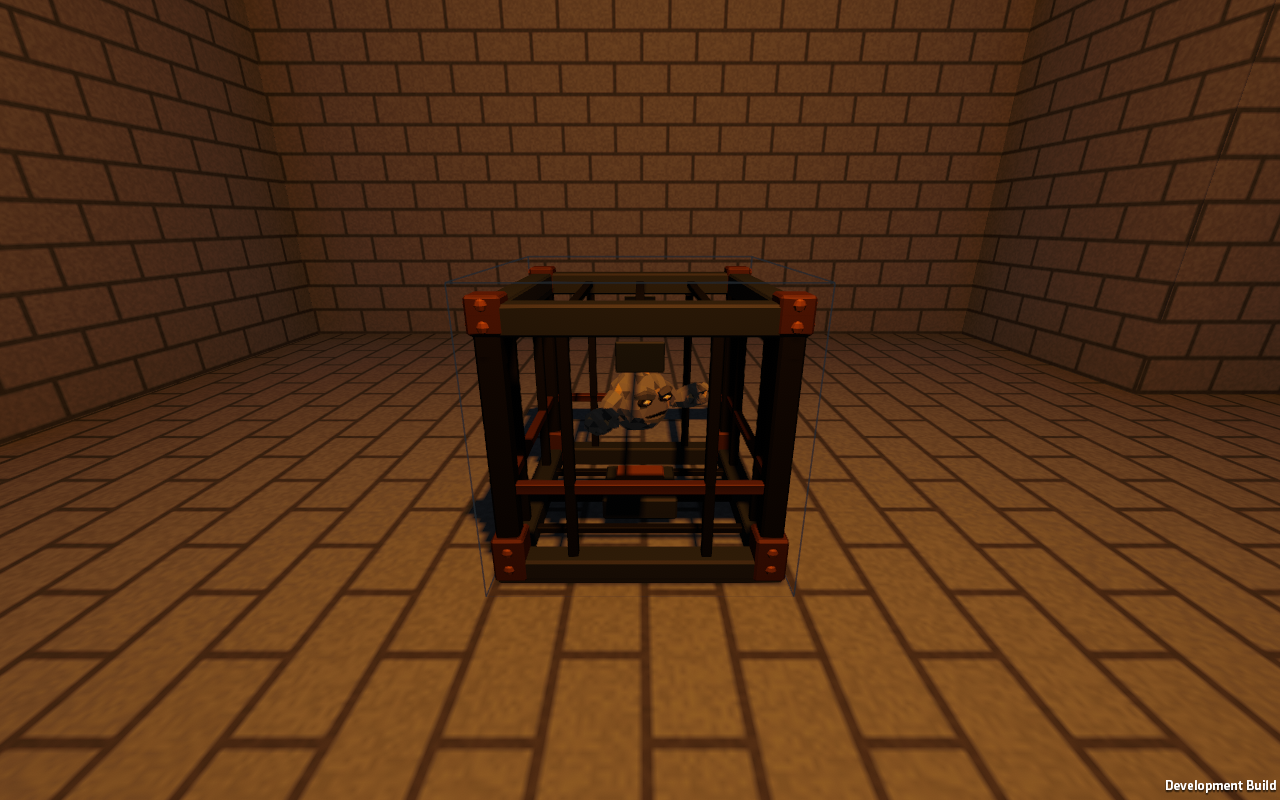
Placed torches can stop new spawns by lighting the cage and its floor. They won’t remove creatures already there. Breaking the cage destroys it without giving you a spawner item, so keeping a room intact leaves you the option of returning for Floater Rocks. The spawner guide covers the details.
There’s also a new Lava Rock block. Flowing water reaching a lava source turns that source into volcanic glass, which needs a diamond pickaxe to harvest. New dungeon rooms appear in newly generated terrain; existing explored chunks keep their original layout.
Small fixes you notice while playing
Several recent changes are about making ordinary actions less awkward:
- Middle-click a block to select an owned stack for building, or bring it from your backpack into the hotbar.
- Middle-click a slot in your hotbar, backpack or chest to consolidate compatible stacks and sort that section.
- Right-click a ripe planted crop with a hoe to collect the harvest and replant if a planting item is available in your inventory.
- Plants and torches have more accurate targeting shapes, making it easier to aim past their empty space.
- Ordinary hunger expenditure has been reduced by 25% from the earlier 0.0.2 development values. Healing keeps its existing food cost.
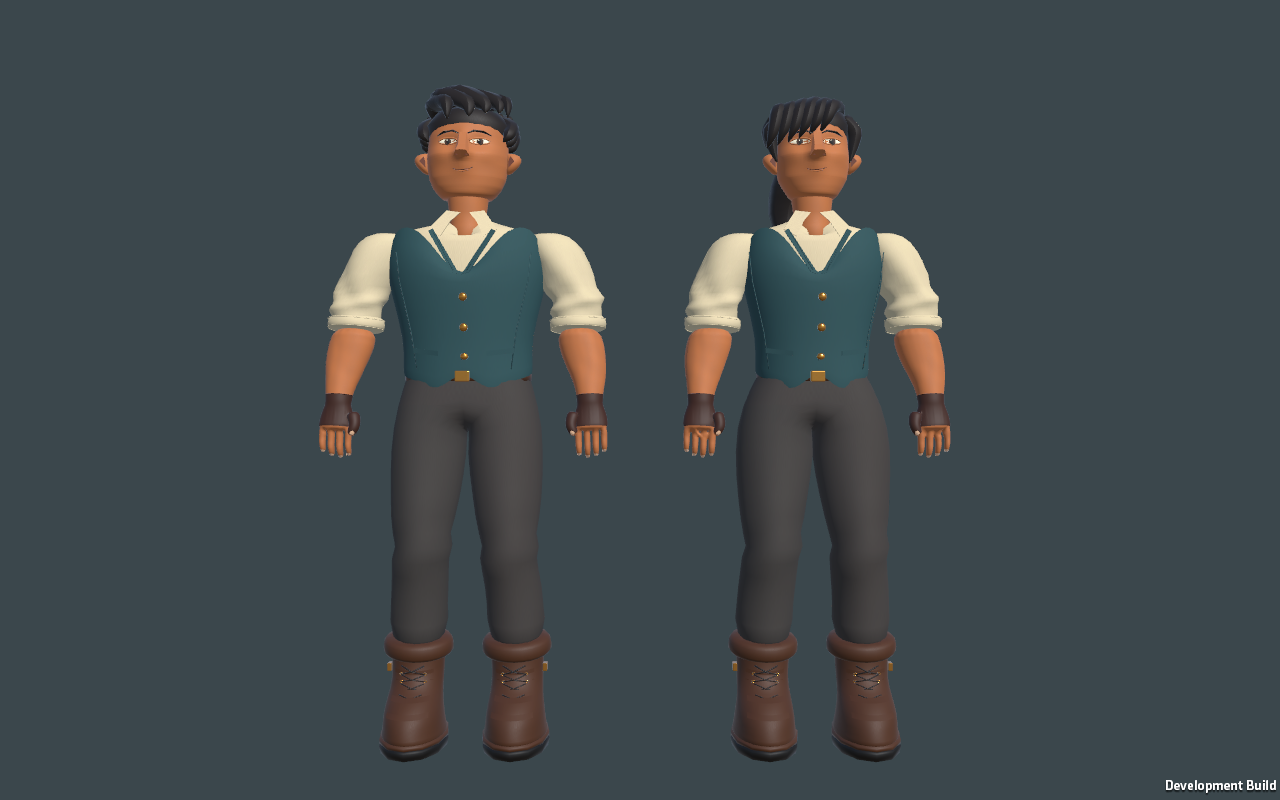
The character rendering bug that left explorers looking flat and grey has also been fixed. Their existing skin and clothing detail now shows correctly.
Weather has joined the development build
Update — 19 September 2026: clear skies, rain and storms are now implemented too. Roofs and caves provide shelter, and saves retain the weather state. Storm flashes and thunder are atmospheric: they do not damage crops or buildings. Rain does not add watering chores or fill storage tanks. The weather guide shows the changes in the running build.
What still needs work before the next release
The survival expansion in issue #10 is still open. Solar and wind power, and longer-term food balancing, remain on the list. Multiplayer also remains future work; the current game is single-player.
The recent automated checks cover the survival systems, saves, spawners, crates and item routing. They don’t tell me whether hunger feels right over a long session or whether exploring for a dungeon is enjoyable. Those are things that still need proper playtime.
That’s what I want alpha 0.1.0 to establish: enough of the game working together that you can build a home, prepare for a trip, explore, and come back with something useful. There’s still plenty to finish, but the pieces are starting to give each other a purpose.
Follow the Rivet Reach repository and player wiki for development updates. The releases page is where the 0.1.0 download will appear when it is ready; for now, it still lists alpha 0.0.1. The wiki follows development, so it can describe features ahead of that downloadable build.
2 Comments