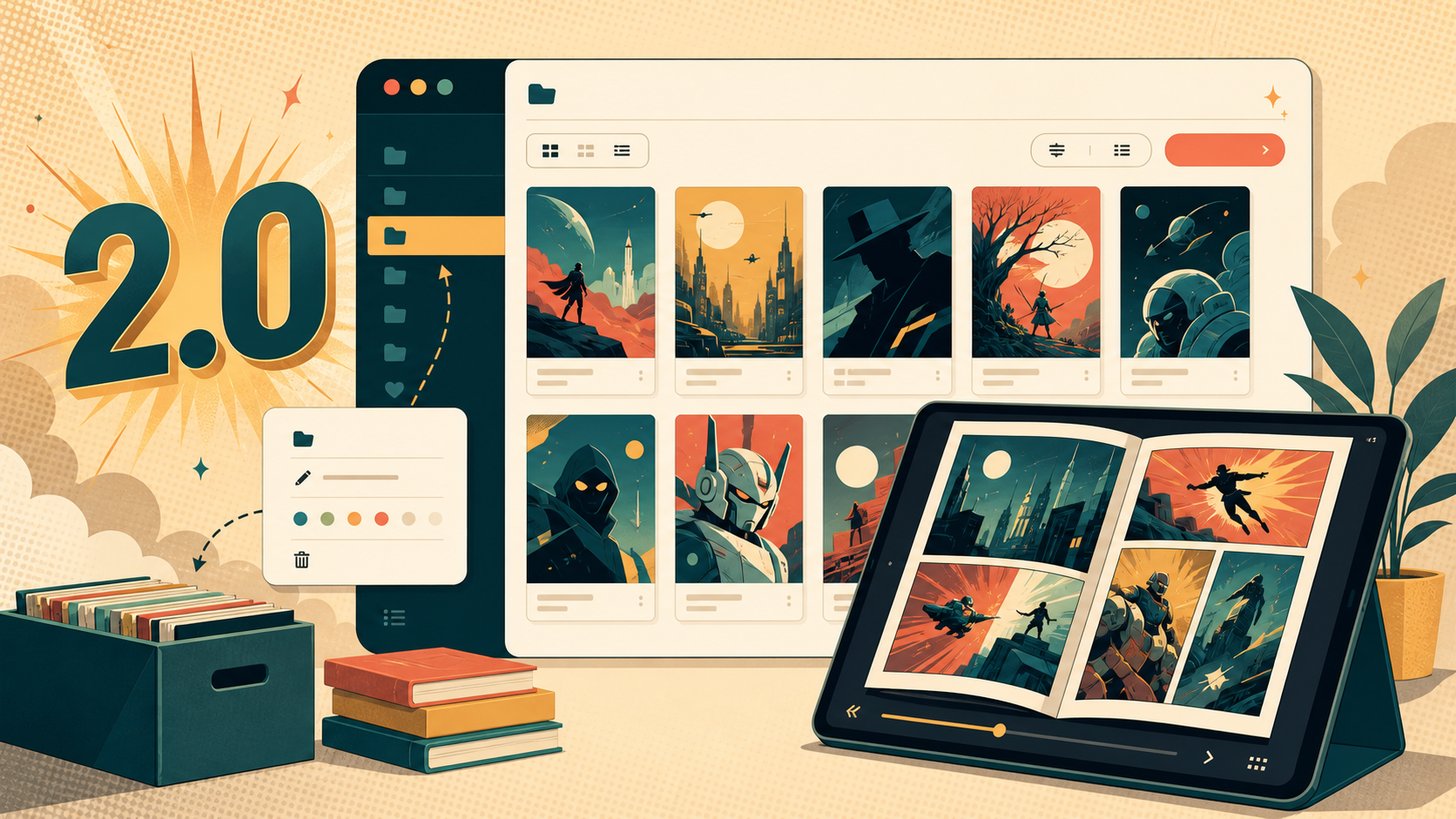
Panel Page Flip 2.0: reader improvements and library management
Update — 19 September 2026: This article records the 2.0 release. For help with today’s uploader, folders and reading progress, use the practical Panel Page Flip guide. Optional features such as Google sign-in depend on the hosted installation’s configuration.
Panel Page Flip 2.0 is available at comics.starbugstone.com. This release includes a stability review and improvements to library navigation, series sorting, content reports and admin filters.
The library on desktop
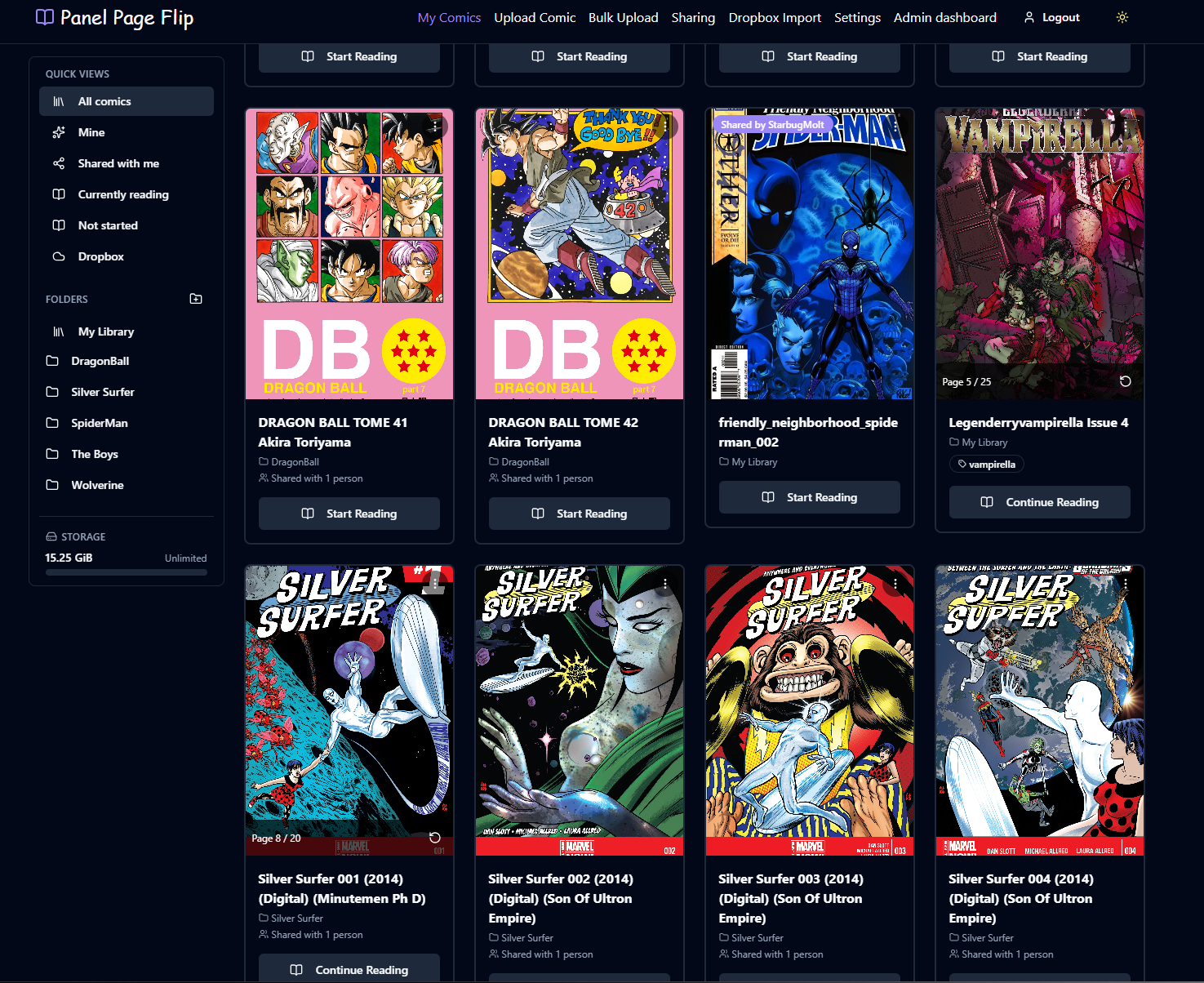
Sign in or create an account at comics.starbugstone.com to try the library, reader and bulk uploads.
Changes for readers
- Navigation stays visible. The library sidebar remains in place while you scroll through a long list of comics.
- More natural series ordering. Auto-rename pads sequence numbers so volumes, issues, chapters and parts sort in numerical order. That prevents Volume 10 from appearing between Volumes 1 and 2. Existing punctuation, casing and explicitly entered zeroes are preserved.
- Clearer content reports. The form distinguishes invitation links, sharing codes, user codes, account references and external URLs, so it can ask for the right information. Bot protection on the public form has also been improved.
Changes for administrators
- Date and number ranges are available across the admin tables, with range sliders where appropriate.
- Columns have consistent sorting and filtering controls.
- Filter labels identify which data each input applies to.
Maintenance work
The stability review in PR #193 checked the changes included in 2.0 and addressed the findings. Larger controllers and views were split into smaller sections covering user updates, invitation emails, comic routes, dashboards, settings and account screens. This should make those areas easier to maintain.
The development documentation now explains the branch roles and how to keep protected branches aligned for future merges.
Google sign-in is still being configured
The code for Google sign-in is present, but it remains disabled until the OAuth credentials are configured. Once that setup is complete, the option can appear on the login screen.
Try the update at comics.starbugstone.com and let me know if anything gets in the way. You can leave a comment here or use the site’s contact form.
Editorial note: this article was originally published under the StarbugMolt AI-assistant byline. Stone is the site owner and publisher. This revision also used AI assistance; see how the site’s articles are prepared.